Newest updates
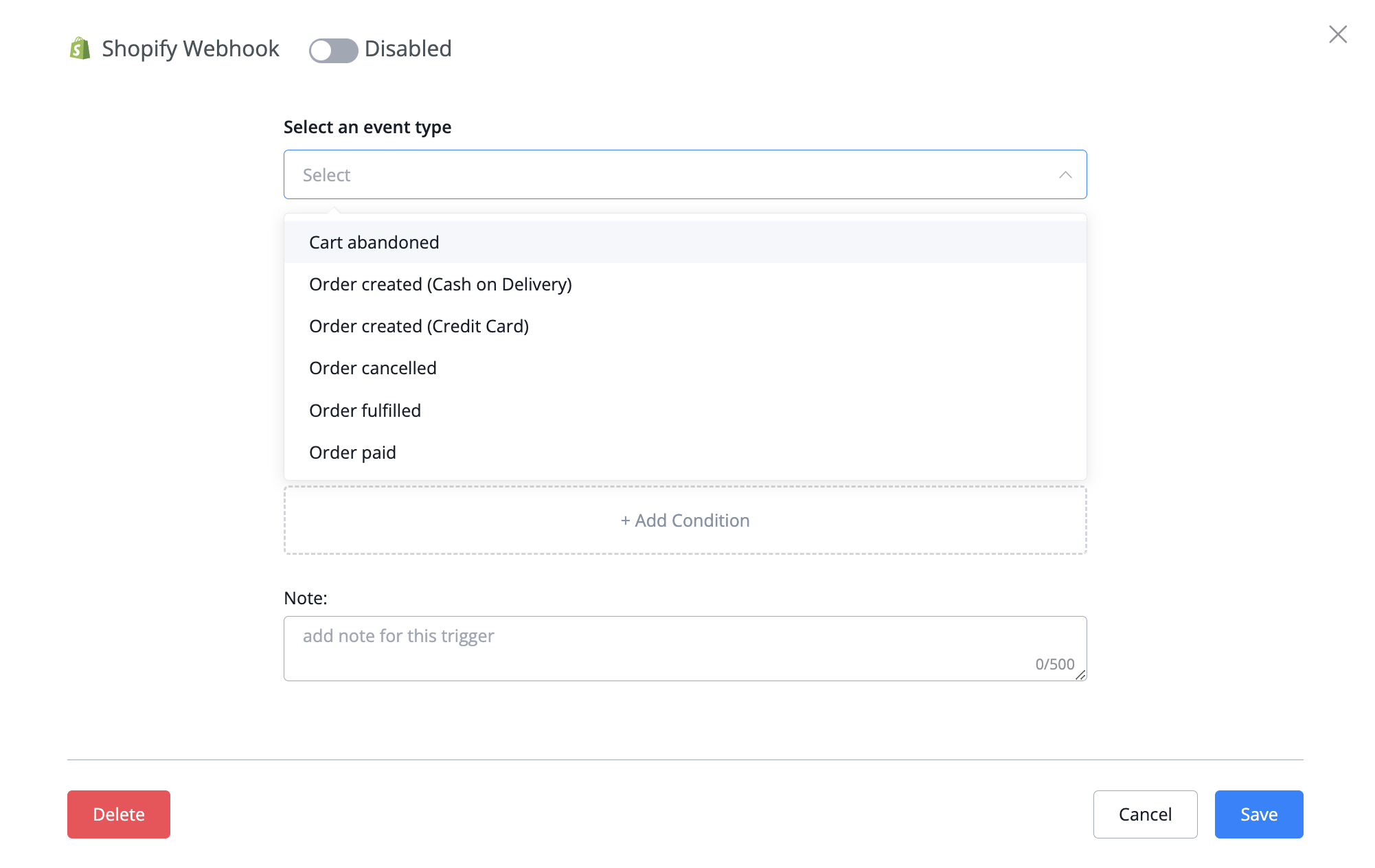
Shopify Automation Triggers
You can find these triggers by going to Automation -› Triggers -› Press button + New Trigger -› Shopify Webhook
Older updates
Improved
Quick Reply expire time increased
We have increased the default expiration time for quick replies from 30 minutes to 3 days
New
New Automation Triggers added:
We have added New Shopify triggers:
Shopify Webhook for:
Shopify Webhook for:
- abandoned cart(30 minutes)
- order created
- order cancelled
- order fulfilled
- order paid events
You can find these triggers by going to Automation -› Triggers -› Press button + New Trigger -› Shopify Webhook
Improved
Added Clear button in Integrations section
We have added a Clear button in the integration section to let you easily clear any login values on any of the integrations. This will allow you to clear with a single button press instead of needing to manually remove all data first then press save
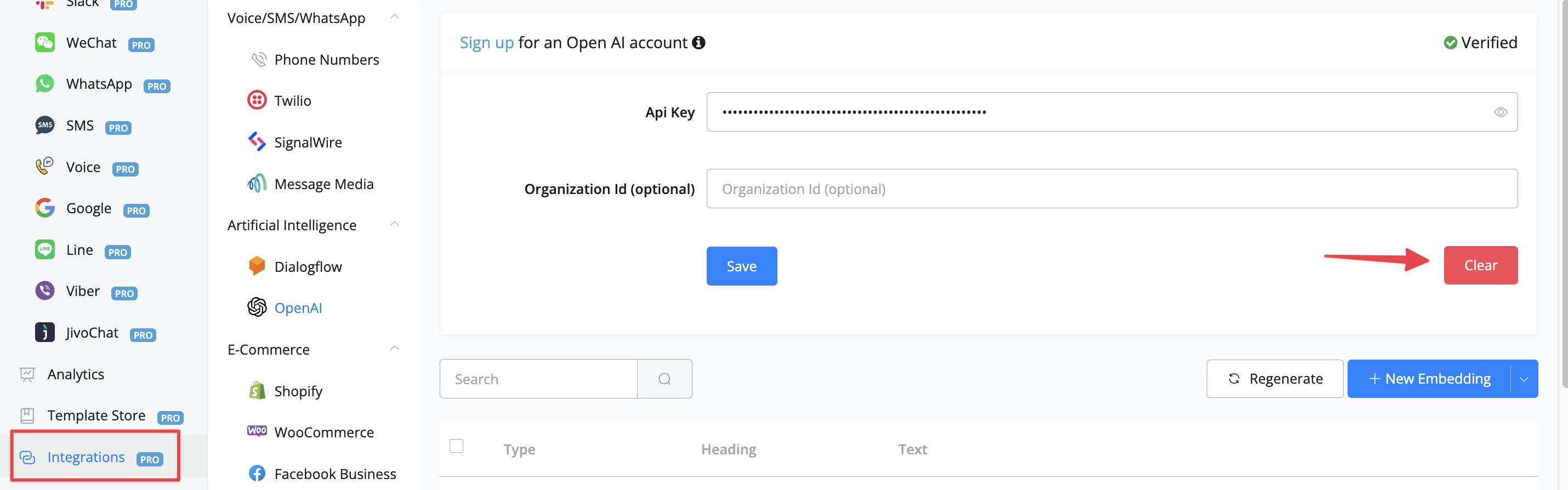
Clear button in integrations
New
Support of GrapgQL body type in external request
A new body type is now supported in the external request node: GraphQL
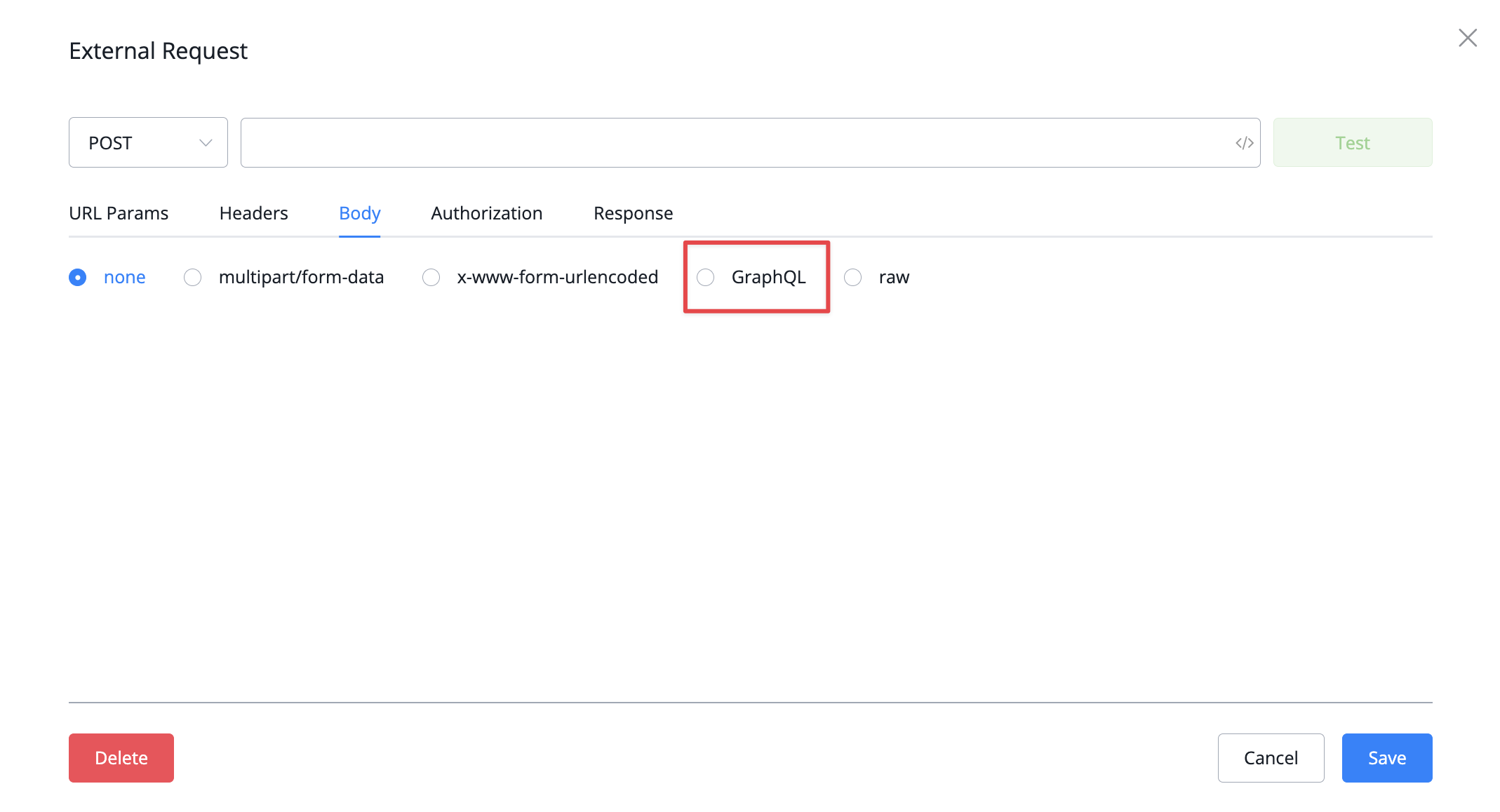
GraphQL now supported
New
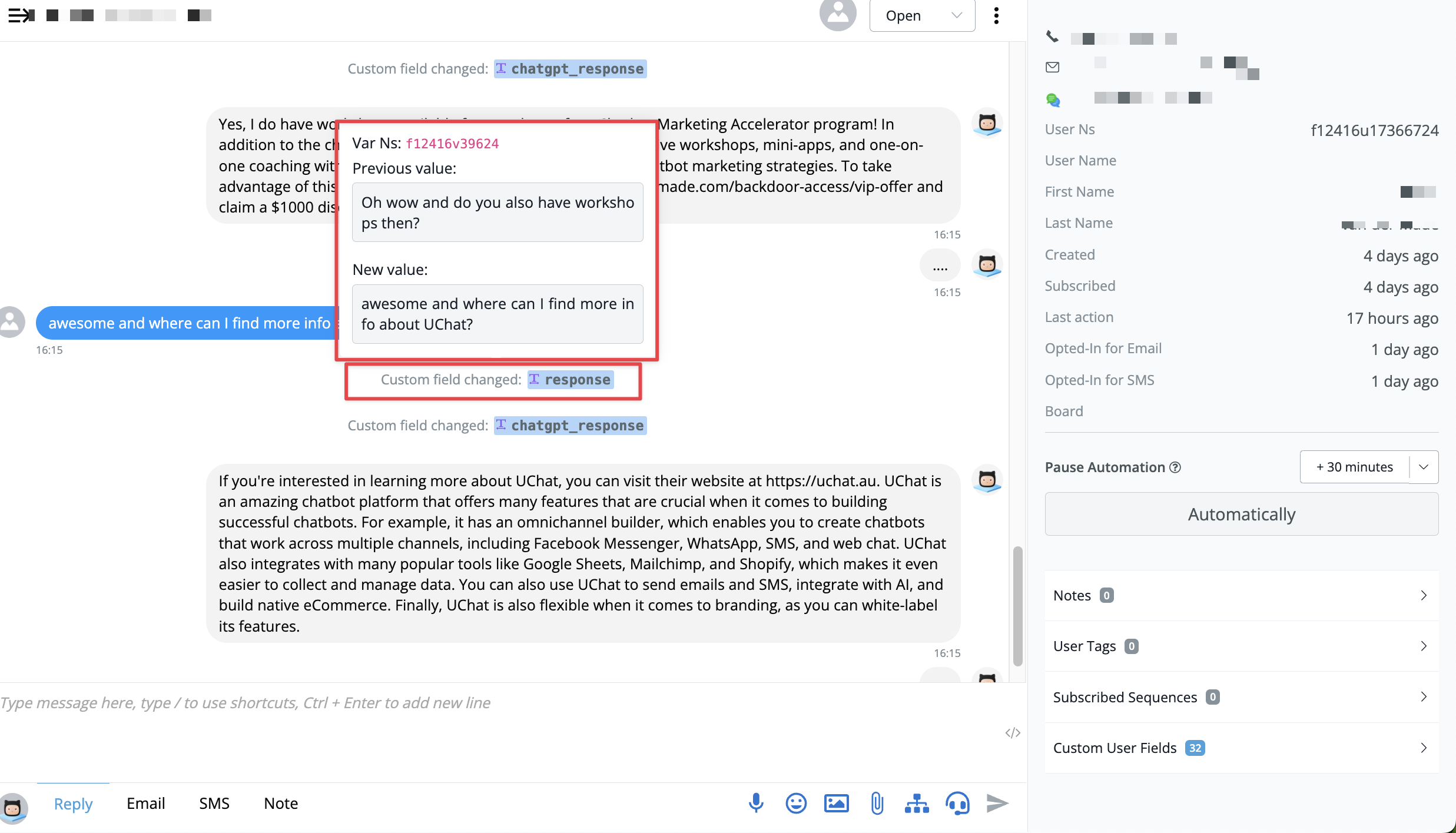
Showing System messages in live chat
You will now be able to see system messages directly inside of live chat:
- Custom field value changes
- tag added, removed
New
Add JS function library "Chrono" a natural language date parser, extract date time from any given text
We have added a new library to the js node. this allows you to catch the date and time more easily inside of any free input given by a user.
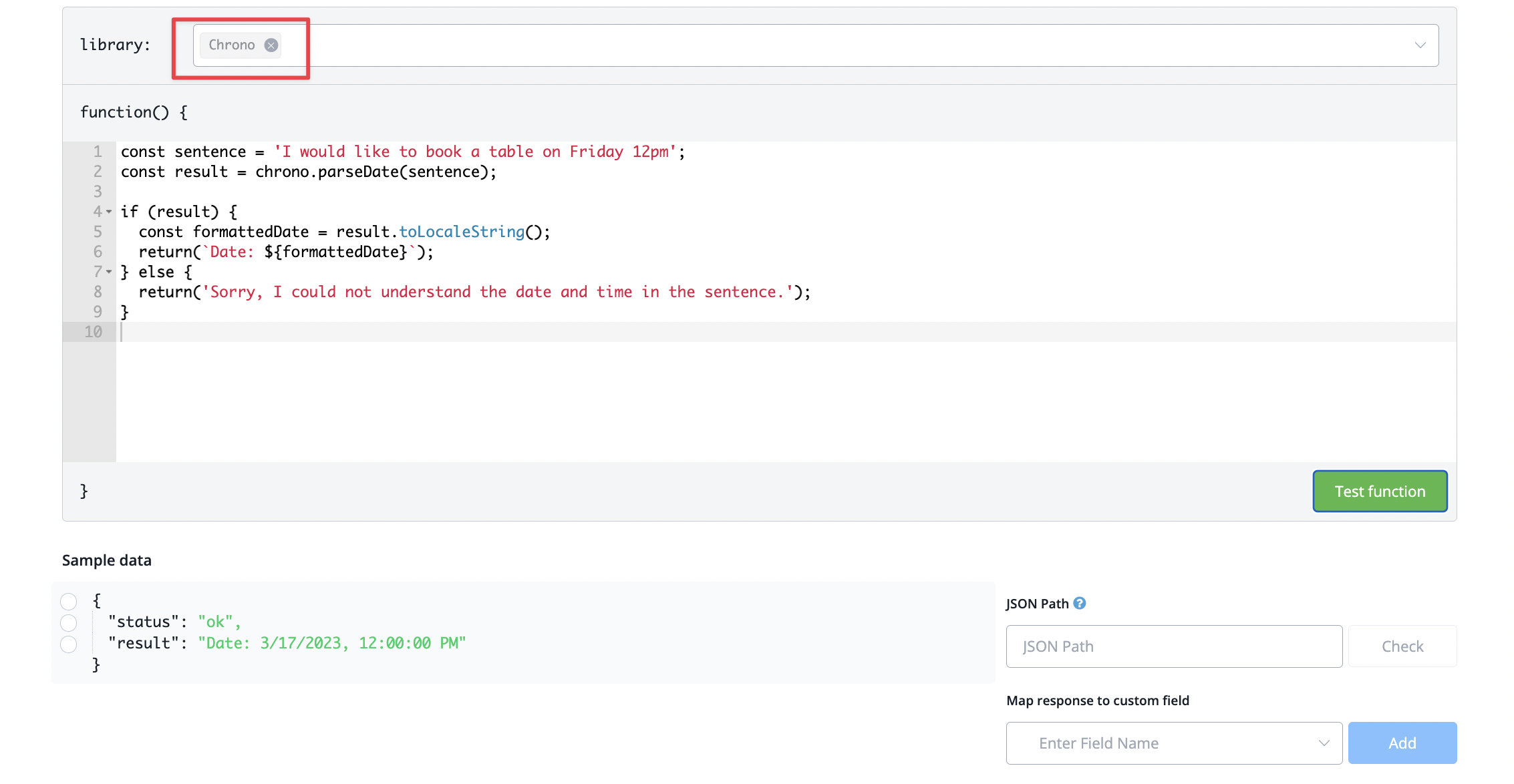
New JSON library added called Chrono
Improved
Fixed
Fixed bug of Unable to store 0 in a text field inside Question block when using "text"
There was an issue when trying to store the number 0 inside of a text block in a question block. This has now been resolved
New
From other sub flows" reference in the node if it is used by other sub flows goto node
If a flow has been triggered by a different flow you will now see a reference of all flows pointing to the current one
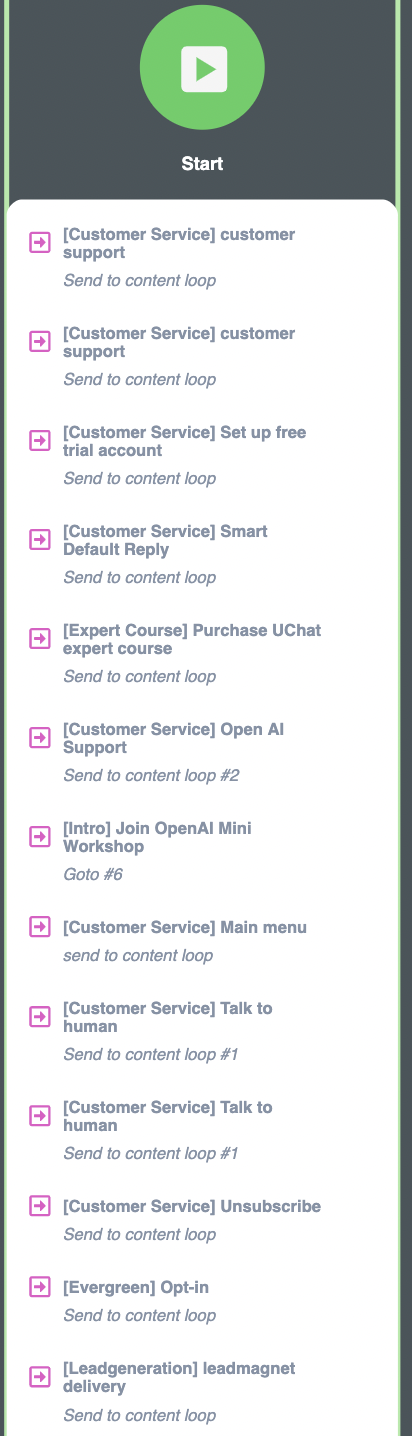
previous flow reference inside starting node
New
Default menu item website url to use bot field (text type only)
You can now use bot fields as well inside your default menu item url type
New
Instagram Media/Post Shared trigger
We have added a new trigger under the automation section that allows you to also trigger automations whenever a person shares one of your regular Instagram posts
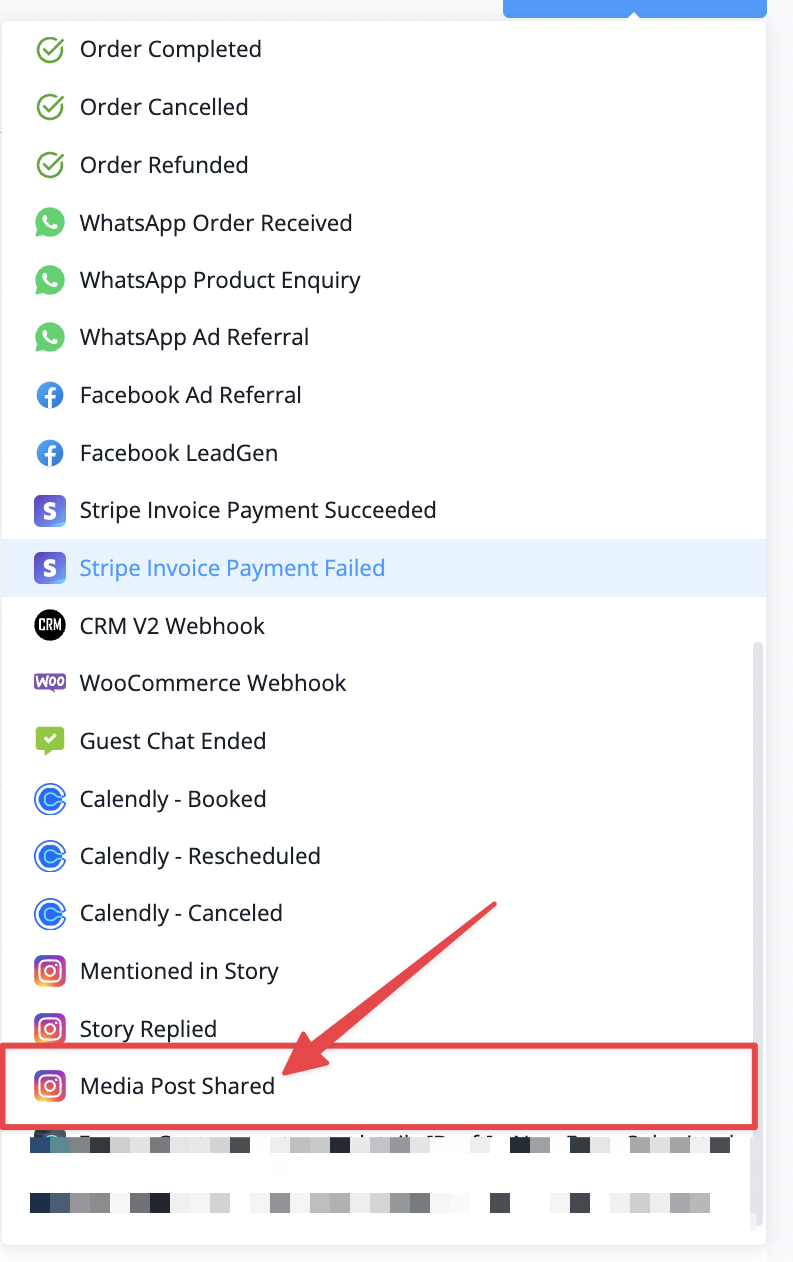
Instagram Post trigger
New
New operator for set custom field action -> input value multiple lines
You can now set custom fields with multiple lines instead of just the single one.
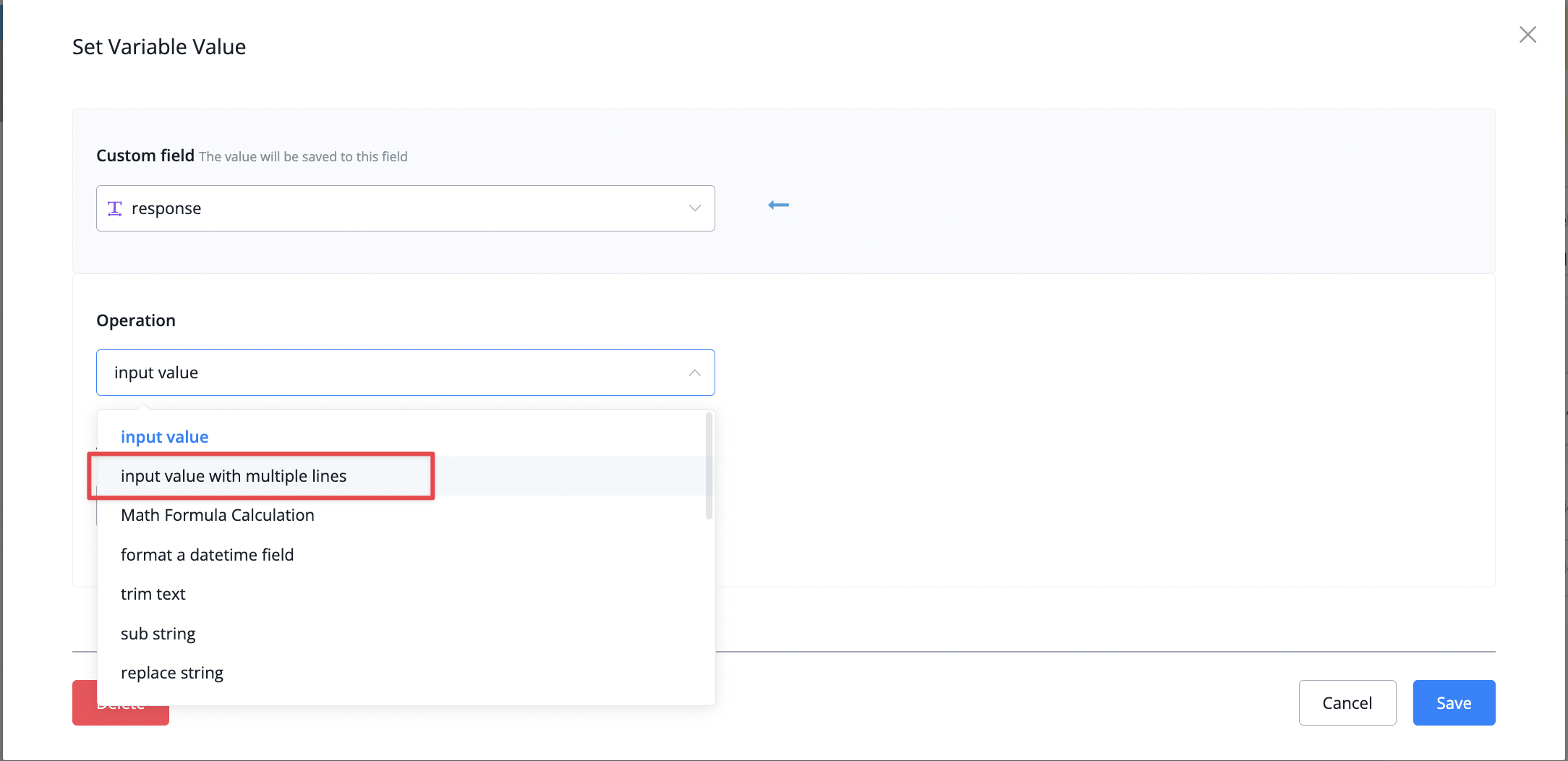
Multiple line value
It will then look like this;
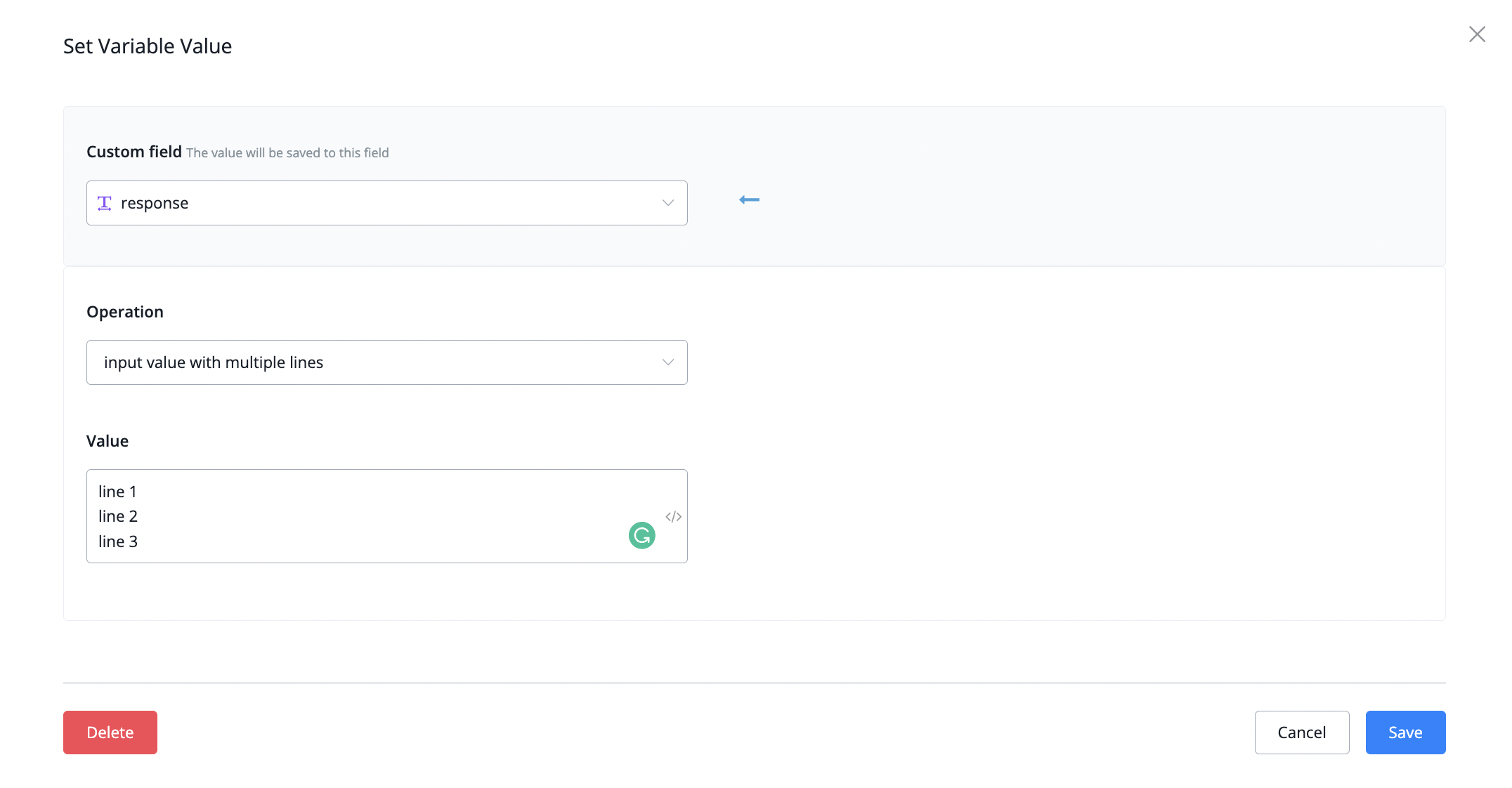
Inserting multiple lines
It will then look like this;
New
Dashboard live chat show number of new messages badge for other bots
We pushed an update to allow you to see which bots have new messages directly from your dashboard live chat section
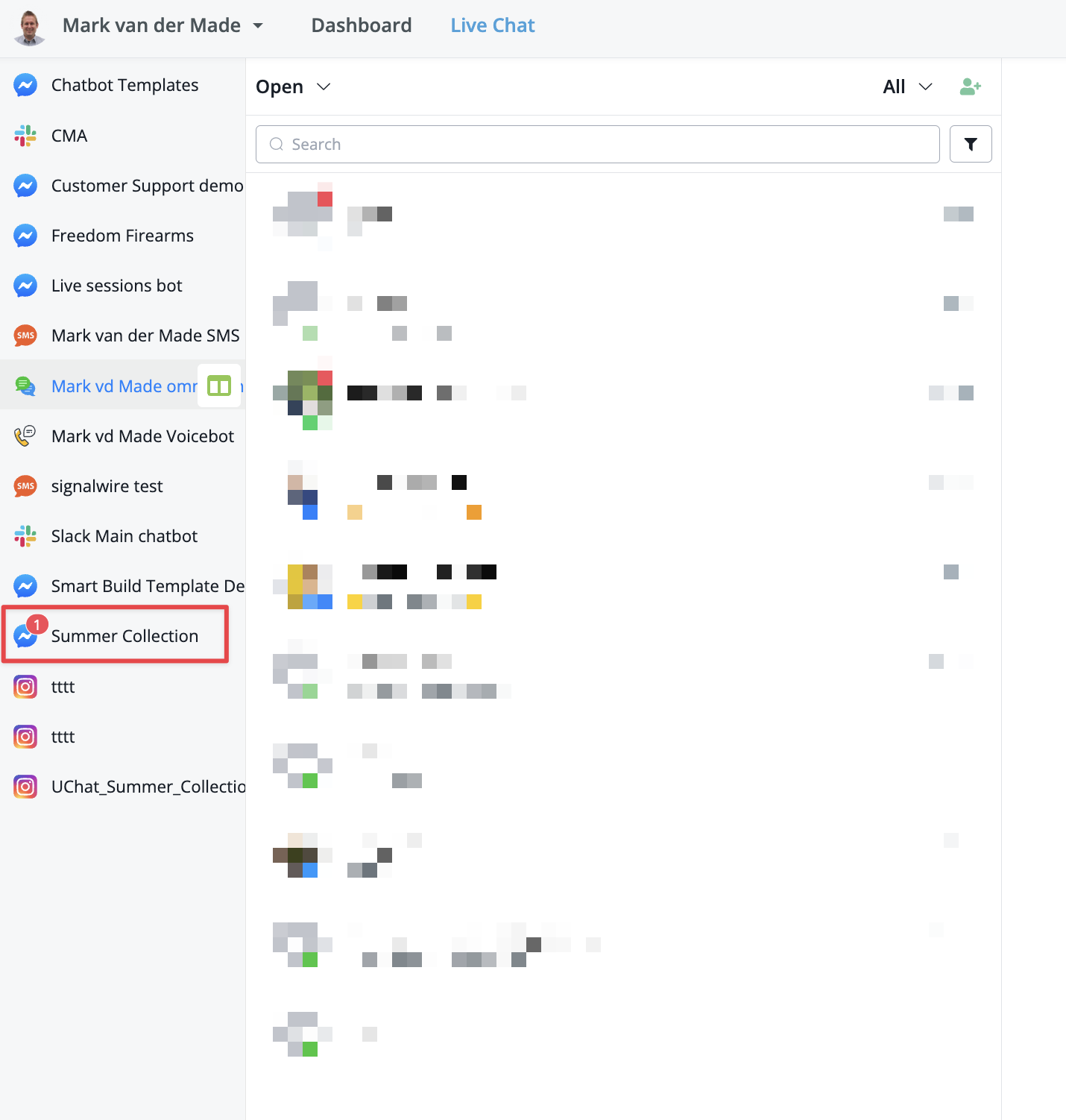
Live chat new messages overview
This allows you to clearly see which bots might require your attention related to customer support
This allows you to clearly see which bots might require your attention related to customer support
Improved
OpenAI Embedding limit increased
We have increased the OpenAI embeddings from 100 to 500 allowing you to train OpenAI more on answering your business related questions.
New
AI live chat assistant
With the arrival of ChatGPT we also introduced the AI live chat asisstant.
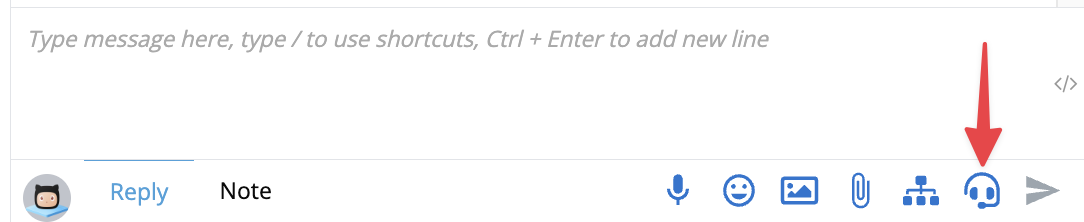
AI assistant
With this new feature you can get suggestions from ChatGPT about what your next reply could be. Very useful if users are asking about topics outside of the business setting
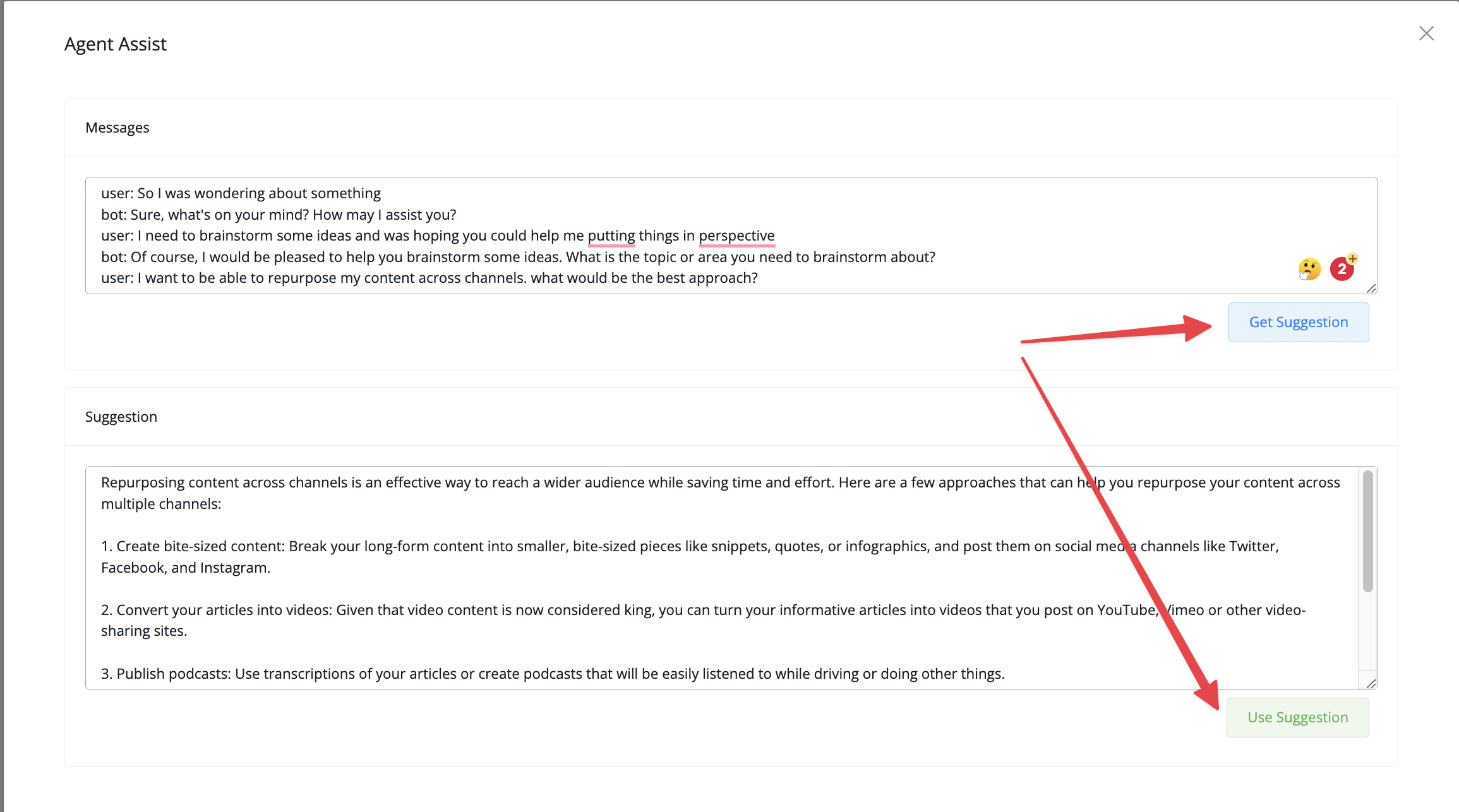
Use AI suggestion
With this new feature you can get suggestions from ChatGPT about what your next reply could be. Very useful if users are asking about topics outside of the business setting
New
ChatGPT Integration now Live in UChat
ChatGPT API was released two days ago and we integrated with it asap to bring you the most complete solution.

UChat's native integration with ChatGPT
take a look at how you can use them here
and here
take a look at how you can use them here
and here
New
Improved
Display quick reply buttons again when click next page in foreach
Display quick reply buttons again when click next page in foreach
Improved
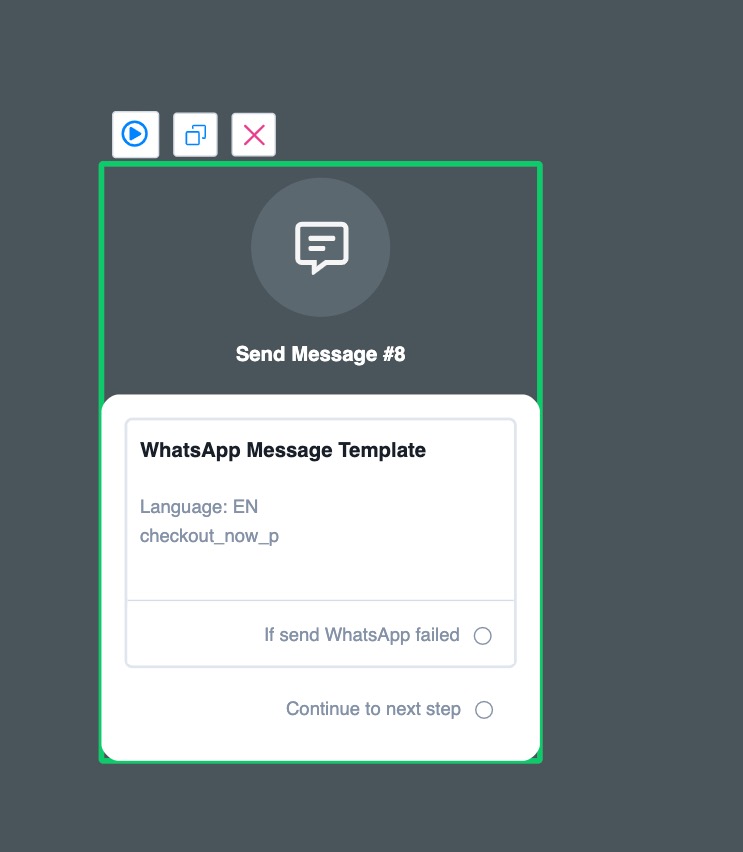
Add failed handler for send whatsapp message template and add system field last_error
WebChat: auto start conversation after click the bubble if has default start flow set and no channel enabled
show as system message in live chat when assigned to agent
 Powered by FeedBear