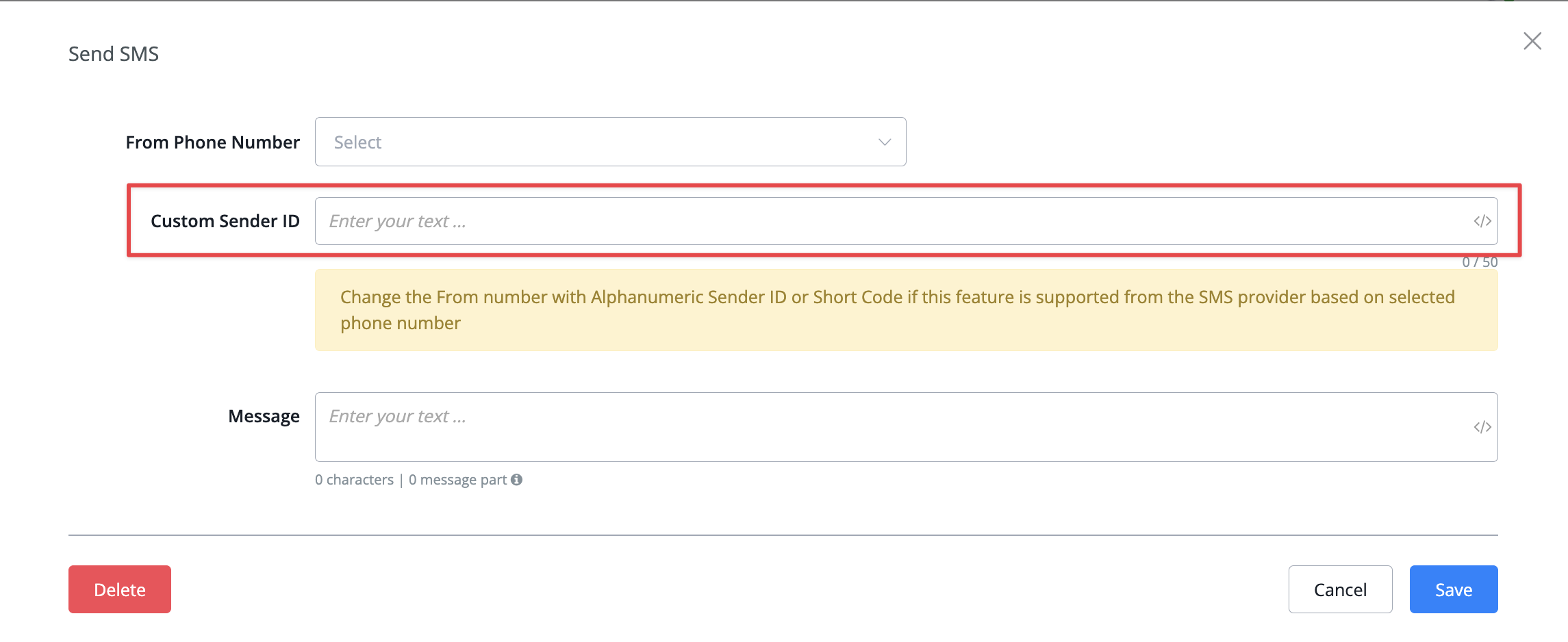
Allow to use Custom Sender ID in Send SMS and SMS notification action
We have added the feature you can now add in your own Custom Sender ID inside the send sms and sms notification actions if your connected provider supports it
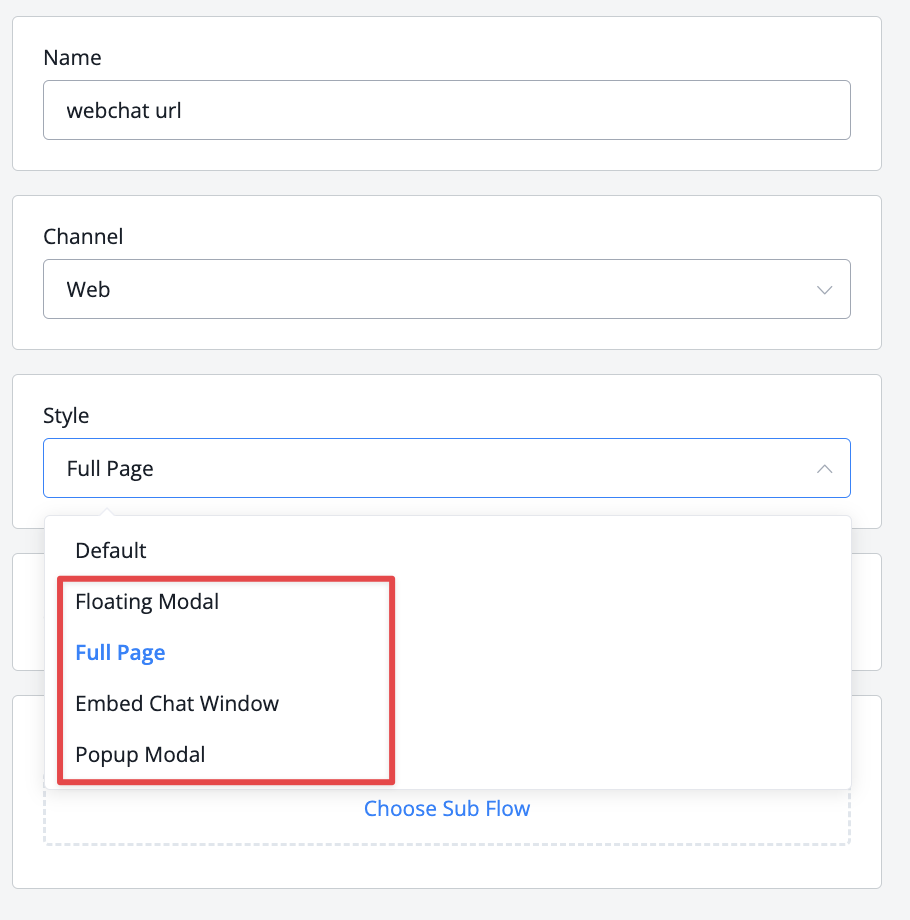
Improved feature: allow to select style (full page, embed, popup..) for ref url widget for web channel
We have added the option to choose how you would like to open the webchat widget under the ref url settings, giving you more freedom to select your preferred option
Allow partner Admin to edit clients workspace bots
We have now extended the ability for Partner admins to not only log in and view the client workspace but also make edits on them to resolve issues, explain features, and so on
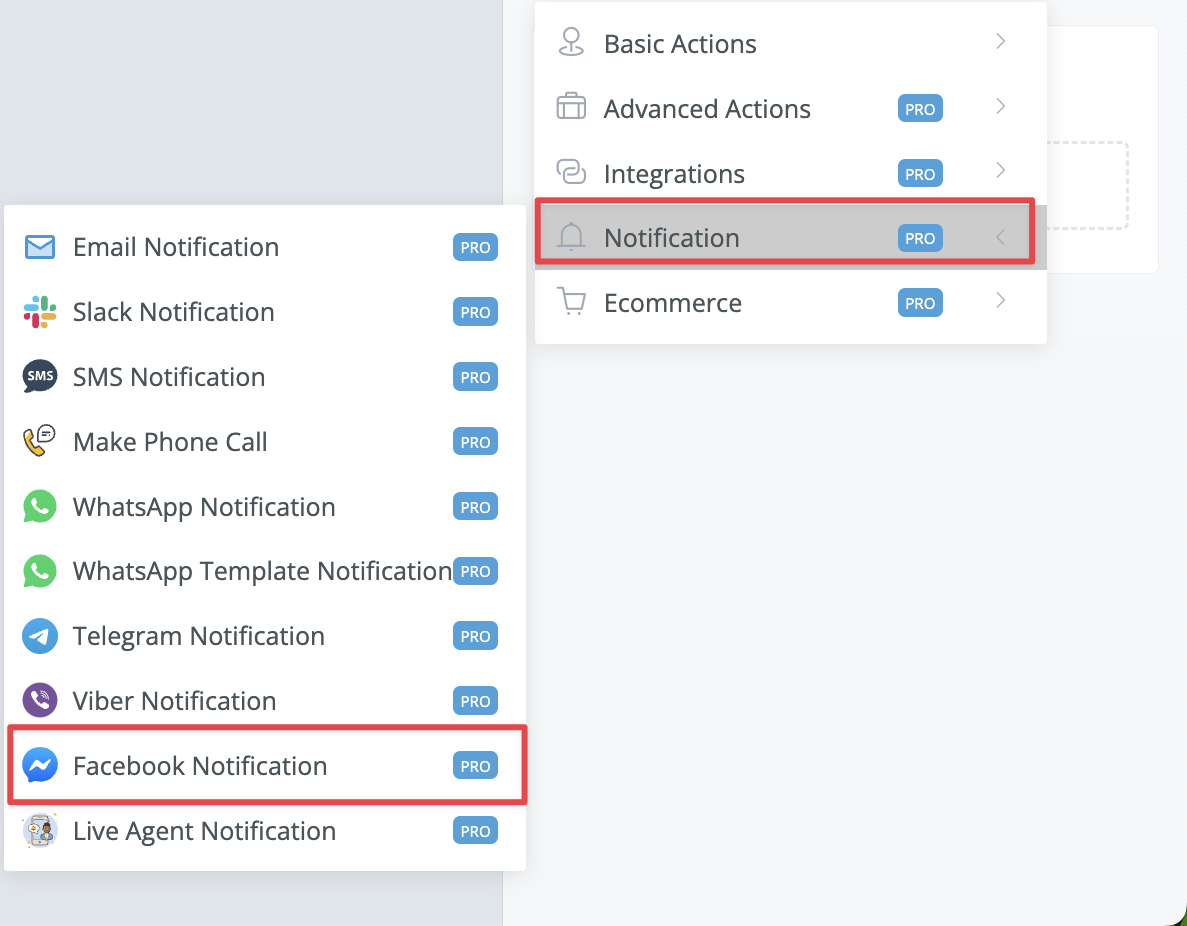
New notification type added: Facebook Notification
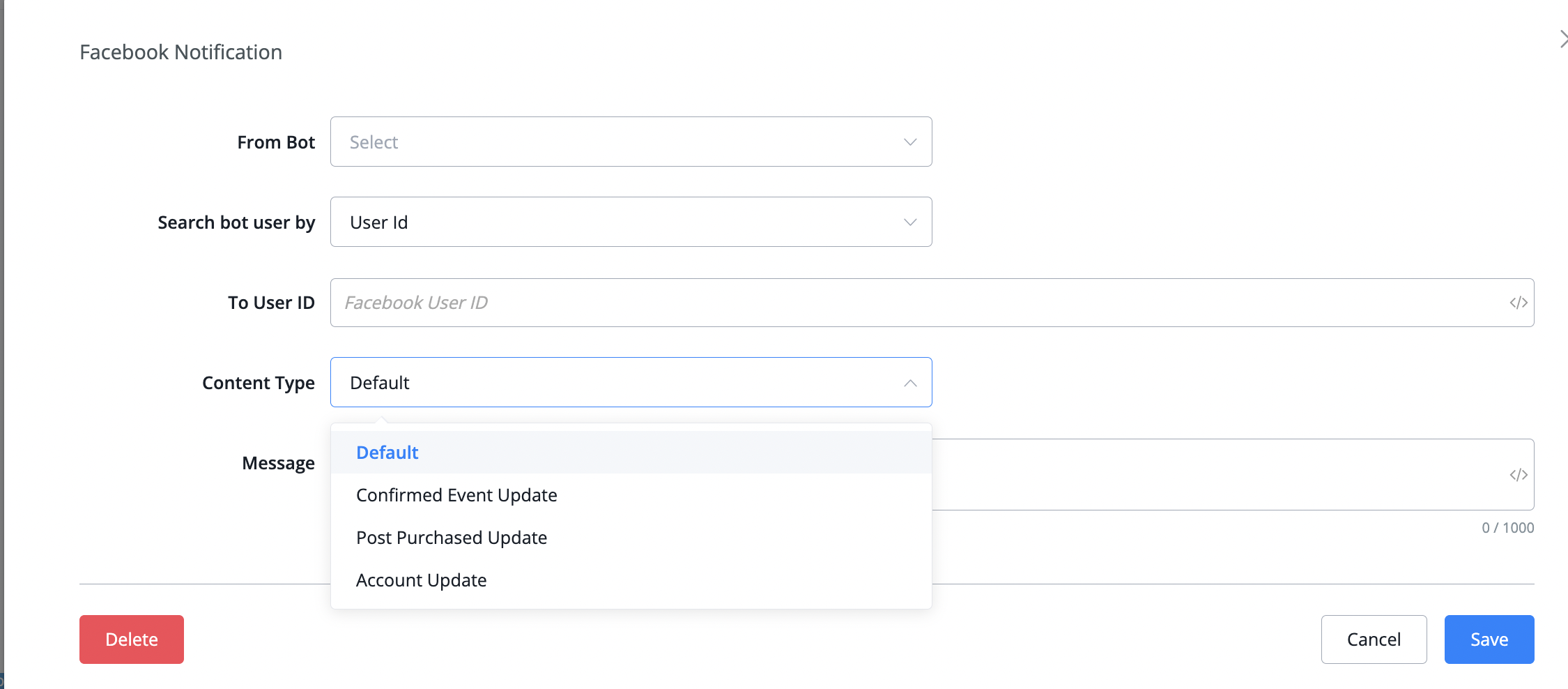
With this notification you are now also to send admin notifications on the Facebook channel. You will be able to search through any of your connected Messenger bots inside the workspace and can search for the user by subscriber id or ns, email and or phone number
you will also be able to select any of the 3 special Messenger tags to notify the person of your choosing
New Agent feature added: Round Robin an agent groups
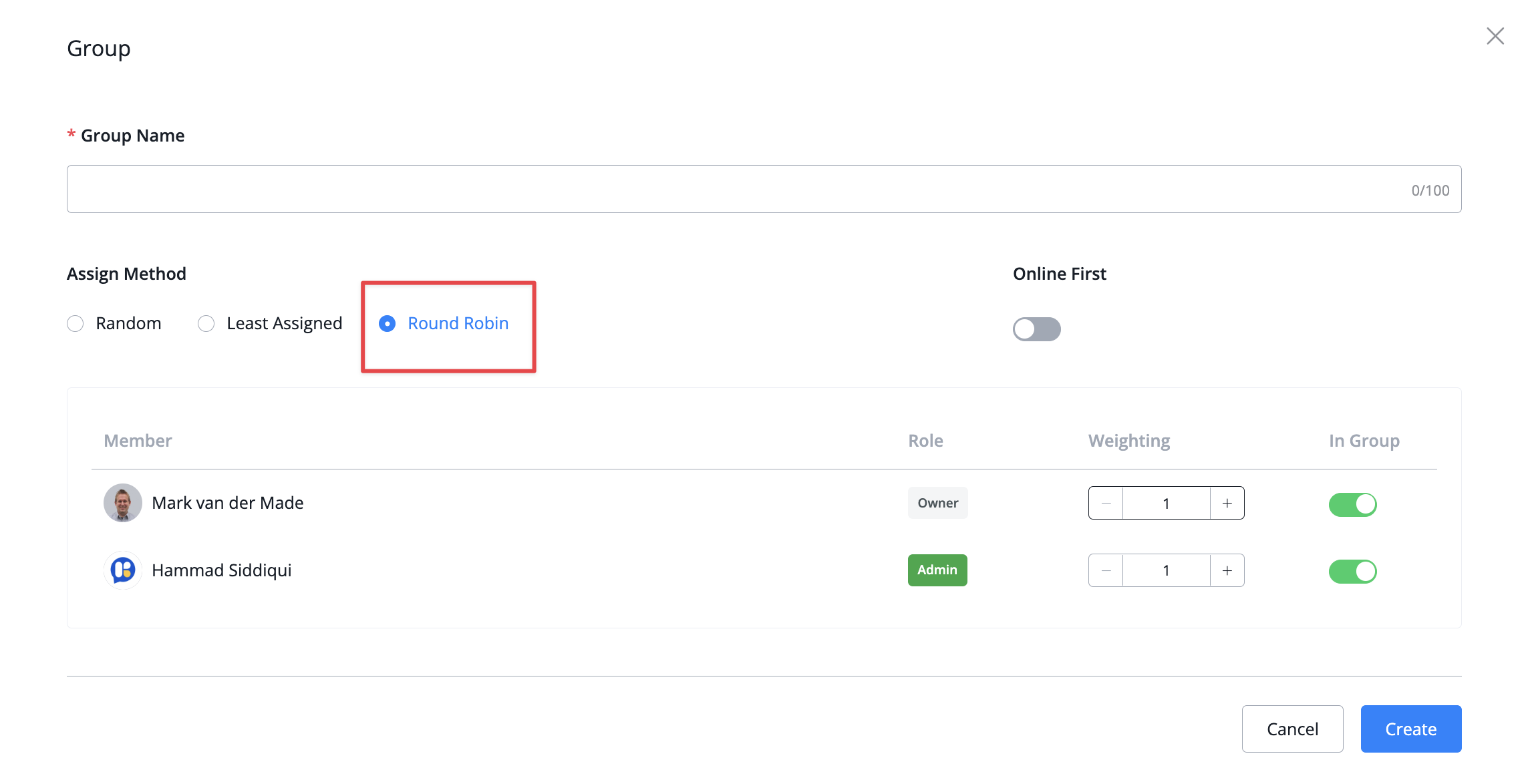
We now added the ability to select the Round Robin feature directly inside the agent group. This will provide a more equal distribution of tickets between the agents inside the group based on their weighting
We have made some great improvements to the text input boxes so let's go over them:
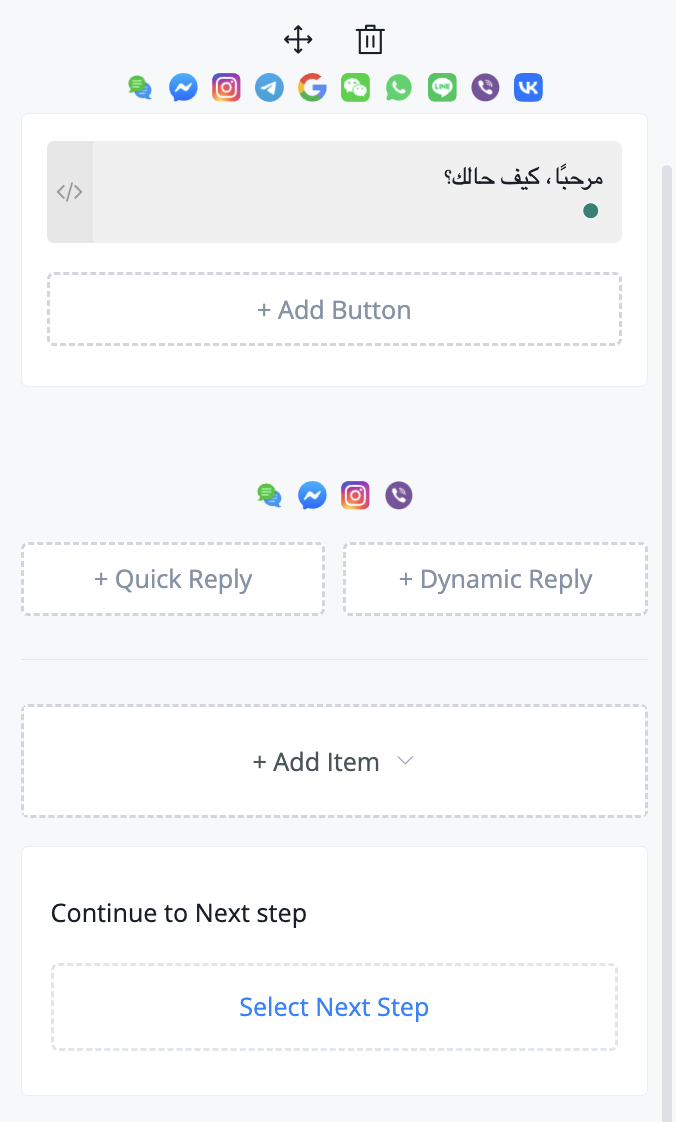
If you have a language like Arabic where the standard is to type from right to left the system will now automatically pick this up
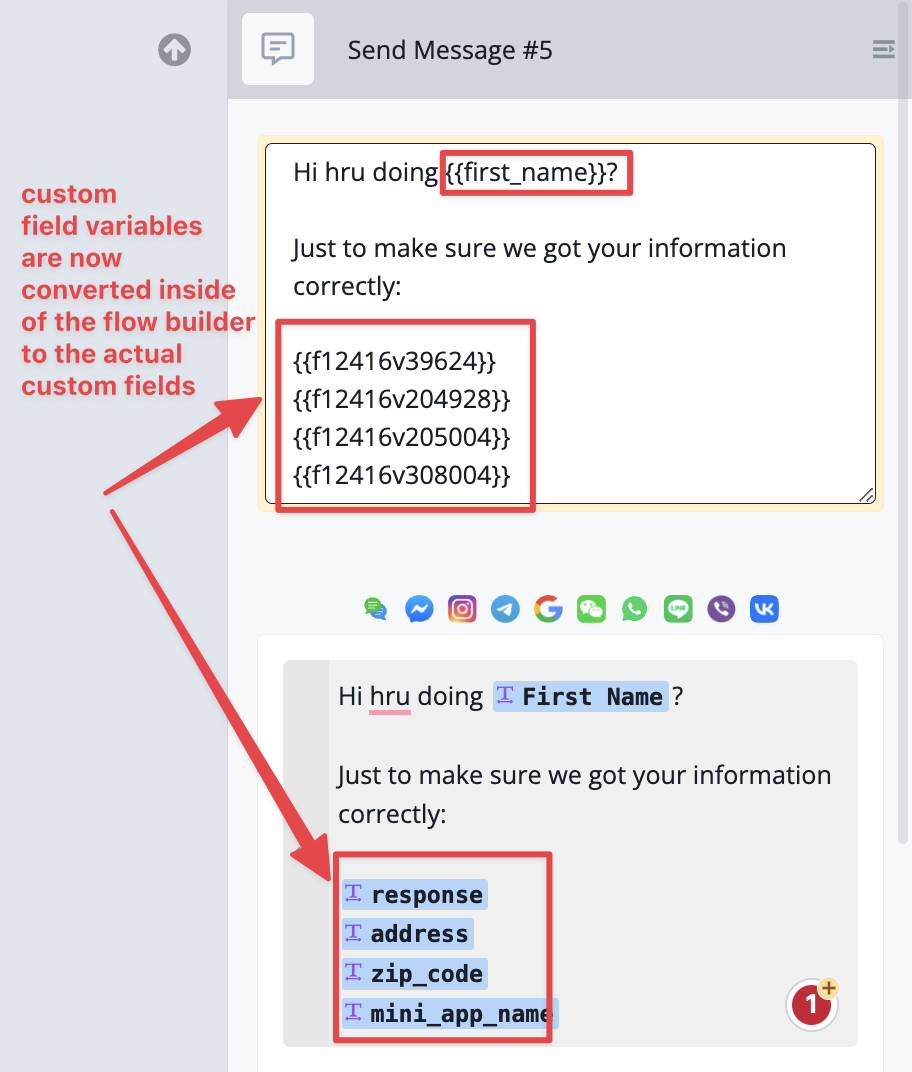
We also improved the conversion of custom field variables into actual custom fields This way you will be able to dynamically let those variables convert into the actual custom fields.
On some elements like buttons when you pressed enter it went to a new line which did not make much sense on that element itself has now been solved to stick to just 1 line.
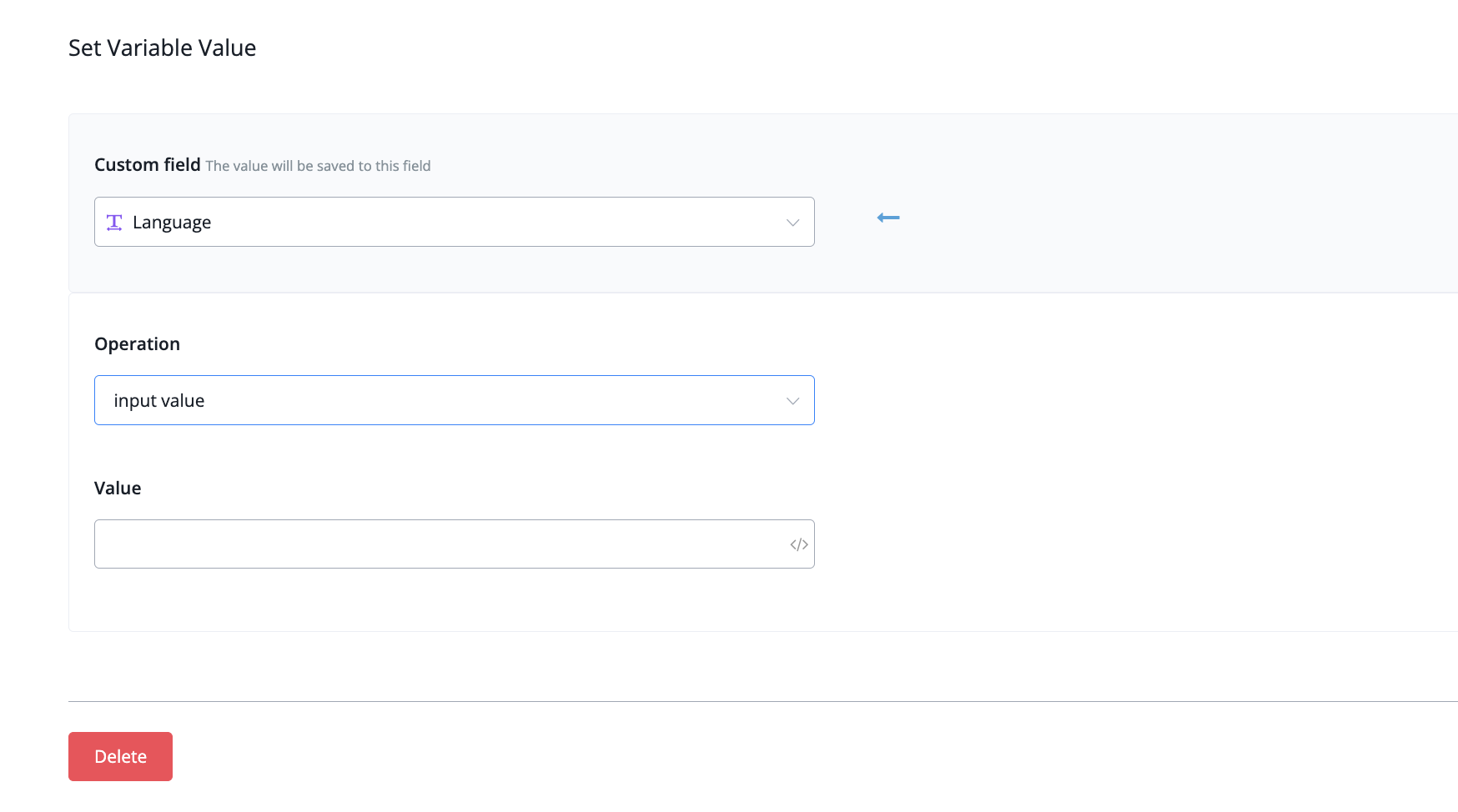
new option "User Profile - Language" for set language action
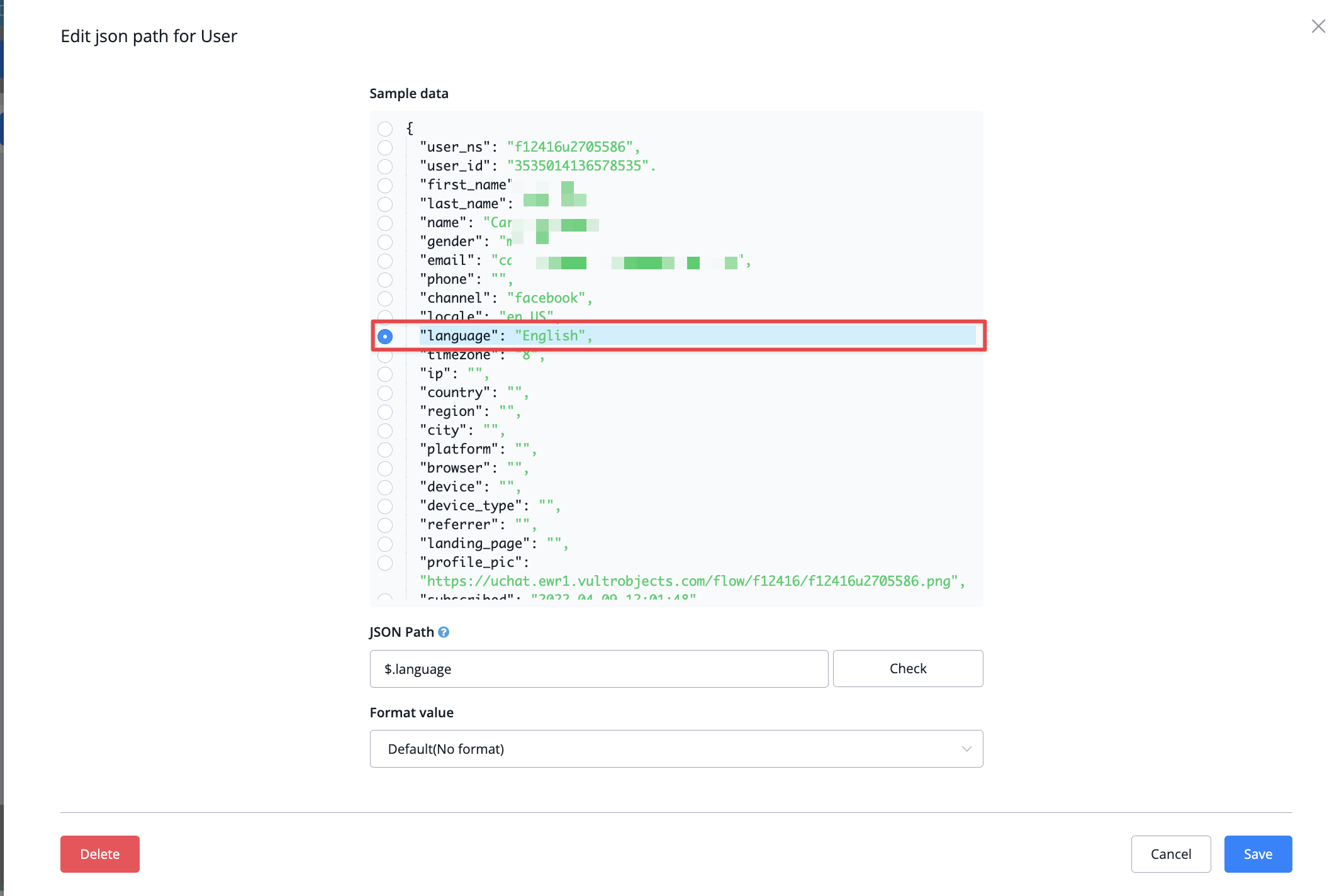
We have added a more dynamic way of setting the language of the Chatbot. Instead of a pre-set dropdown, you can now directly set the access by using the user profile language instead
Under the value section, you can then use the user profile system field and select the language dynamically
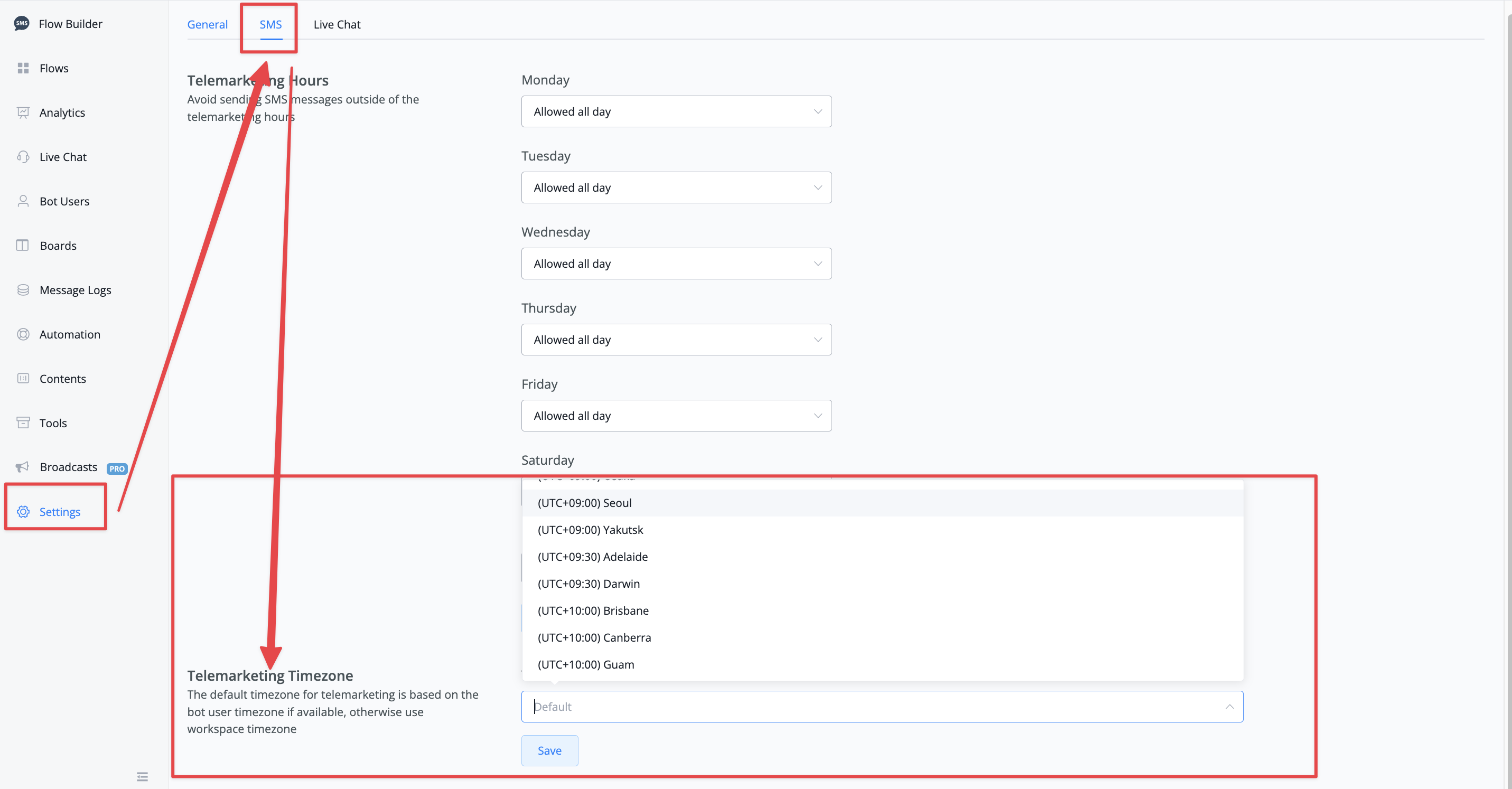
We have added an additional section inside the SMS channel Telemarketing hours called Telemarketing Timezone By default the system will use the user timezone but if it is unable to find it then will revert to the workspace timezone instead.
But you might want to set up another timezone altogether and that is now easily done with the release of this feature
 Powered by FeedBear