Newest updates
Older updates
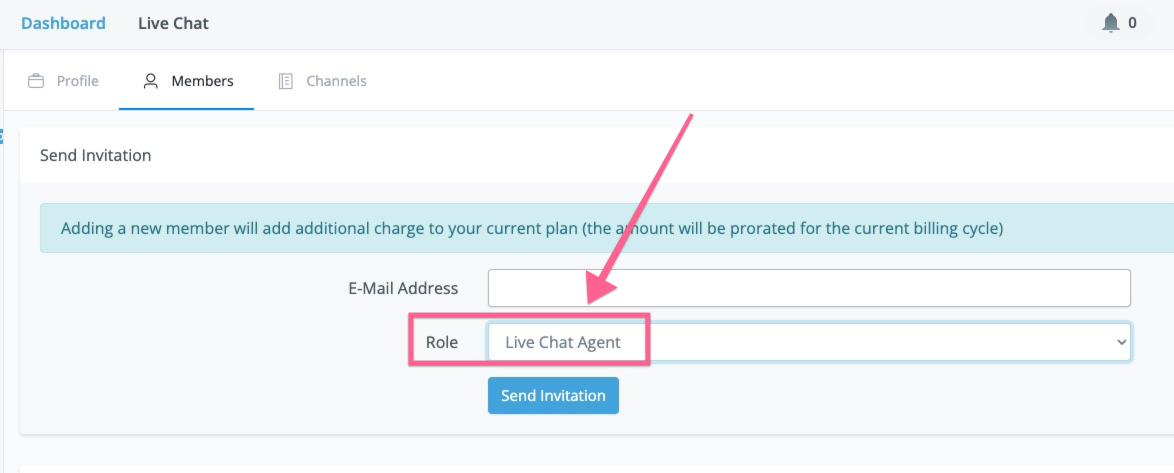
Add new Role "Live Chat Agent" to allow only live chat access
Instagram foreach pagination in last card
.png)
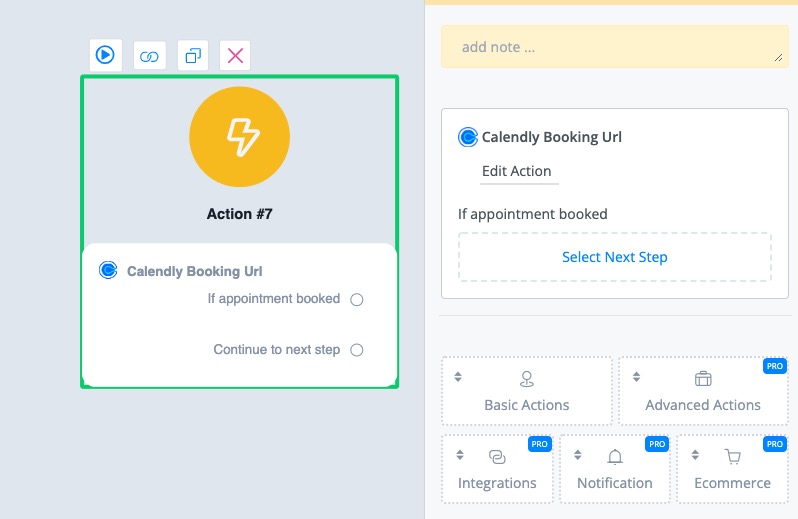
Add "calendly booking url" action
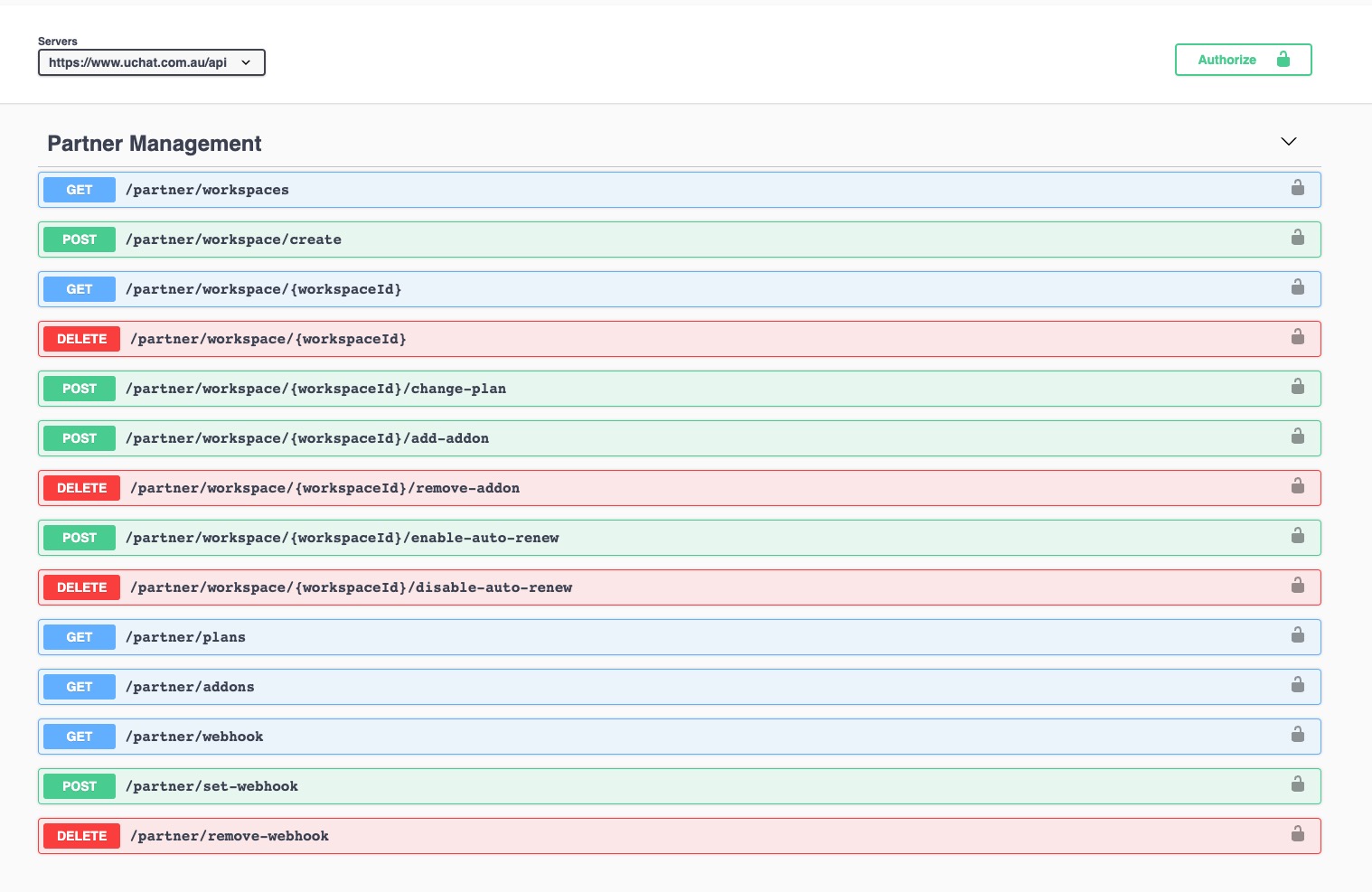
Introducing UChat Partner API
With partner API, you will be able to:
- Create user/new workspace
- Upgrade/downgrade the user's workspace to your own pricing plan
- Add/remove addon
- Enable/disable auto-renew
- Set up webhook to listen to the below events in your custom domain
- Create user/new workspace
- Upgrade/downgrade the user's workspace to your own pricing plan
- Add/remove addon
- Enable/disable auto-renew
- Set up webhook to listen to the below events in your custom domain
- user_registered
- workspace_created
- workspace_deleted
- plan_changed
- plan_renewed
- overdue
Improved
Fix omni-channel create bot user from api issue
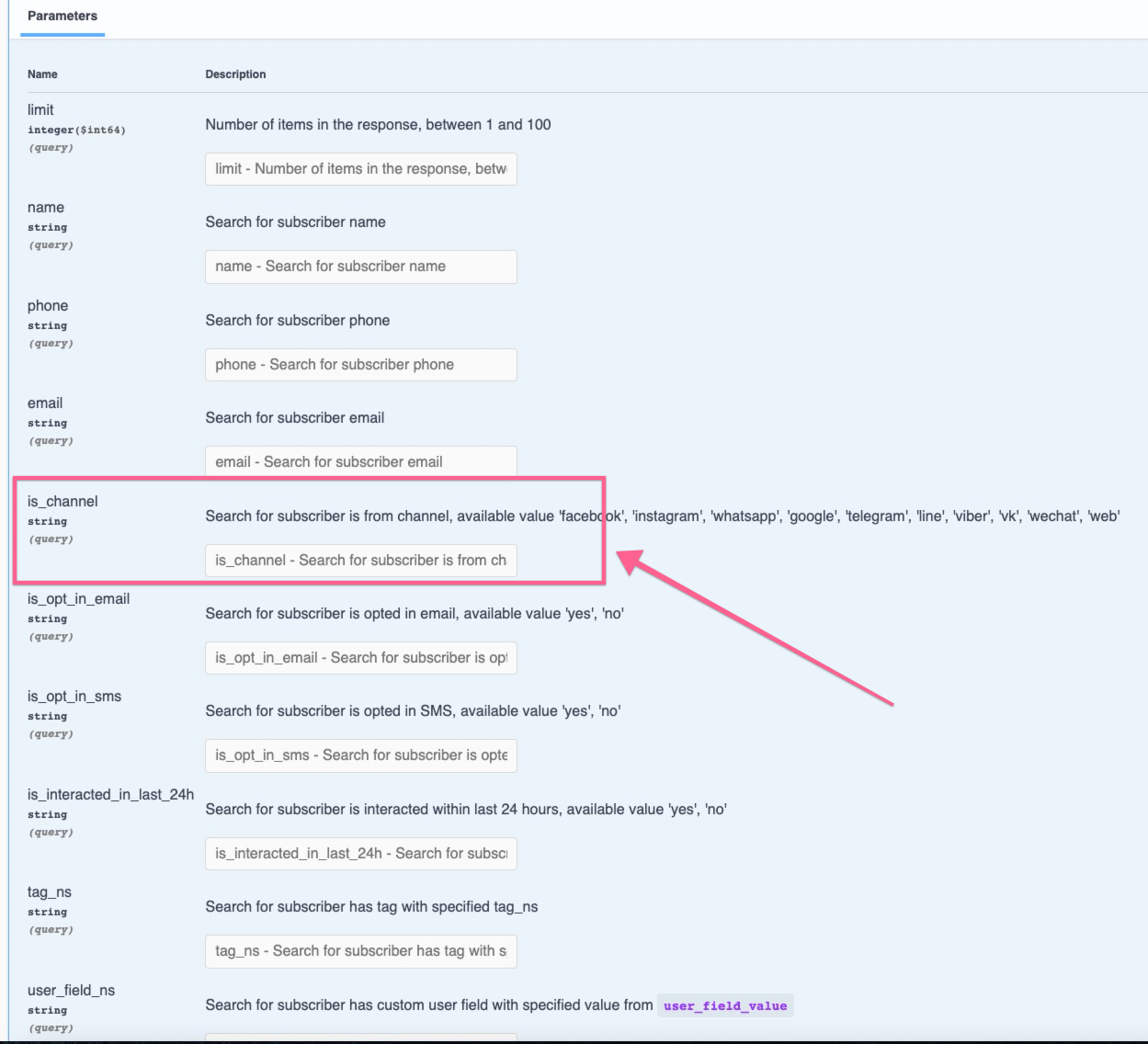
Add GMB Name and GMB Place Id system field to GMB Bot
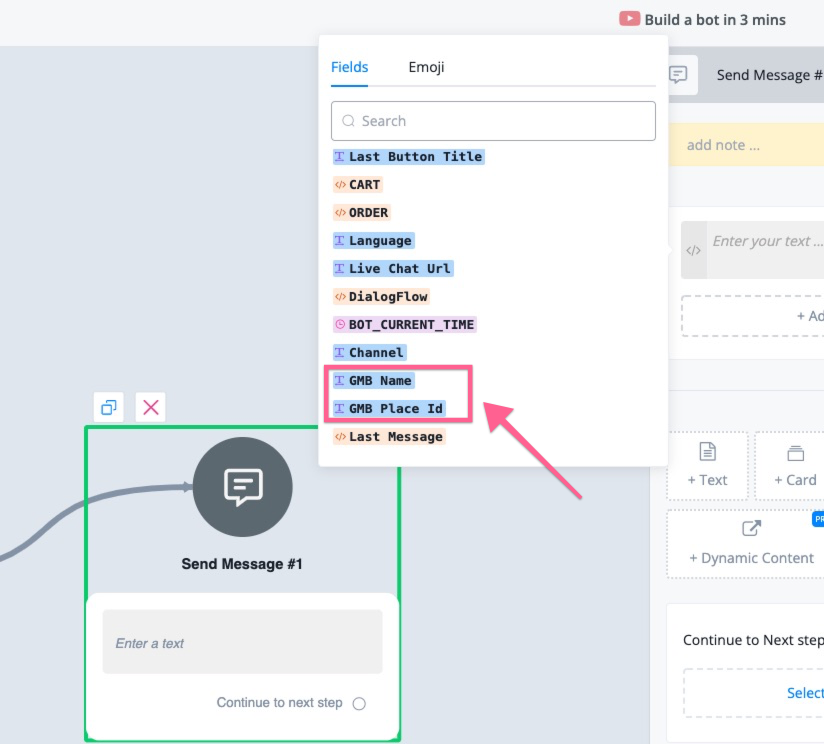
Add Facebook Recurring Notification
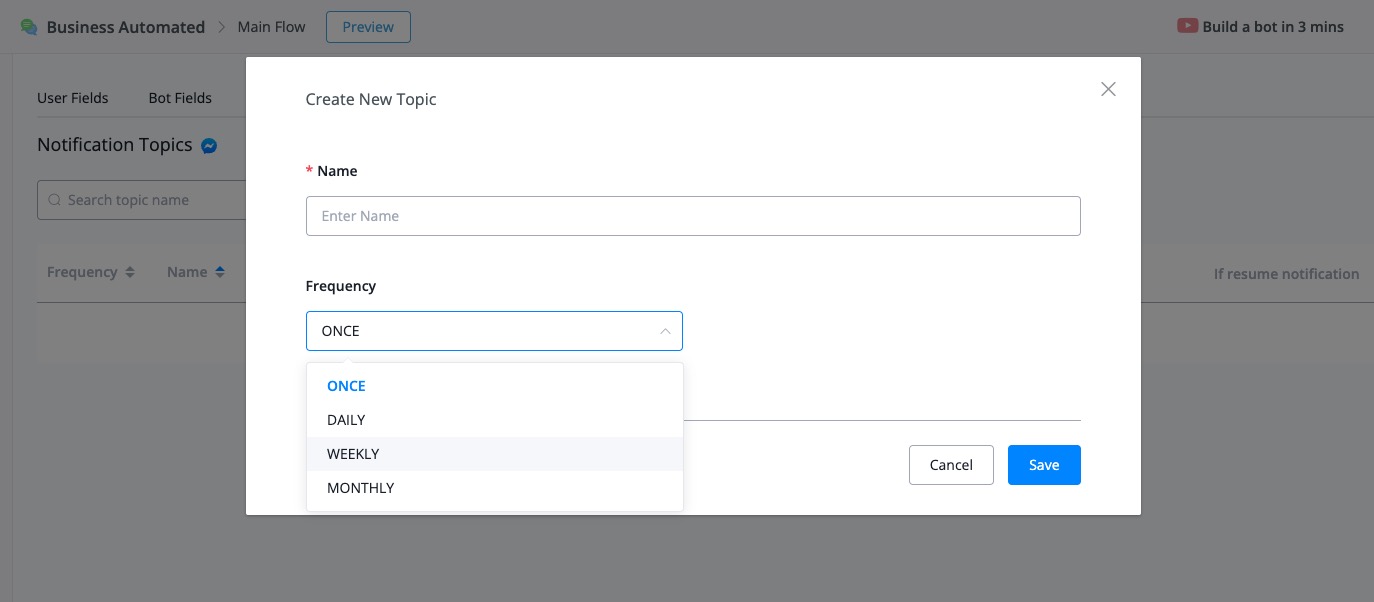
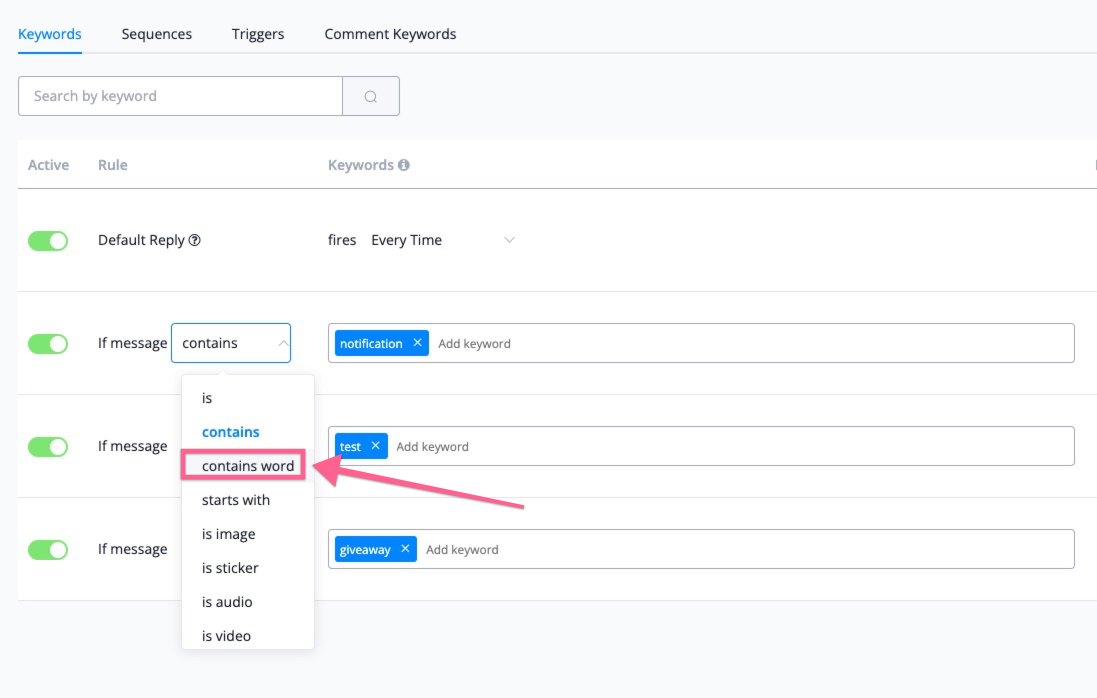
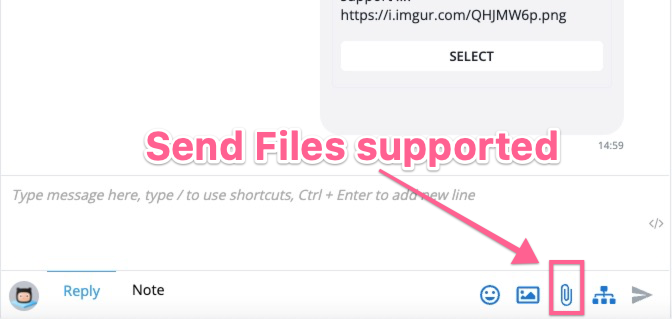
Send sms and email in live chat if has email or phone
.png)
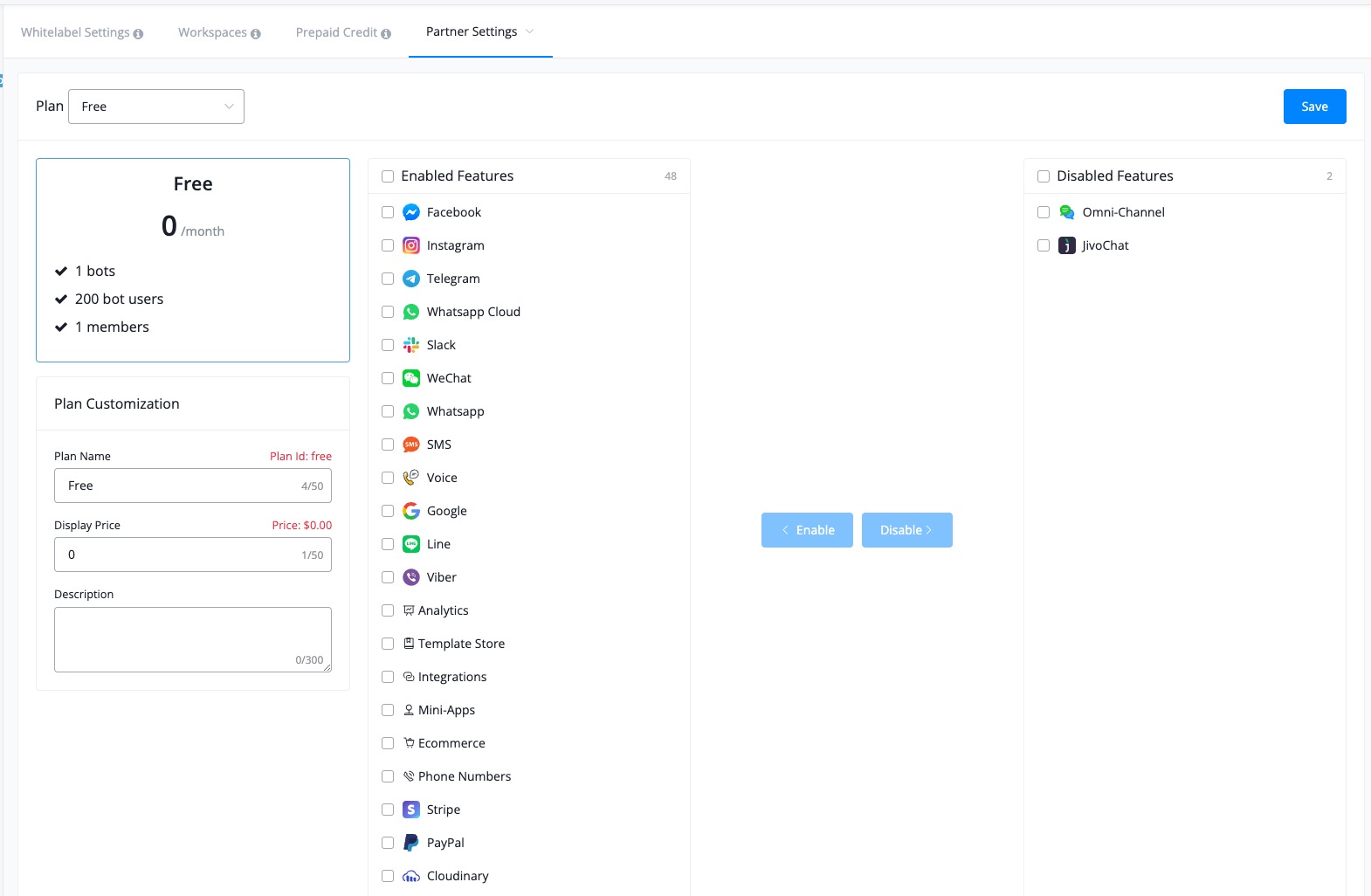
Add plan customerize feature for partner
Allow send whatsapp template message outside 24 hours
Now in the live chat, you can send template message if the user is out of 24 hour window in whatsapp channel.
Free sandbox for UChat partners
Now every uchat parnter can get a few sandbox account if you want to test with our partner API.
Create a workspace under your custom domain, and send the workspaceID to the support, we will convert it for you.
UChat partner API:
https://www.uchat.com.au/partner-api#/Partner%20Management/partnerSetWebhook
More about UChat partner program:
https://uchat.au/partner
https://docs.uchat.com.au/partner/about.html
Create a workspace under your custom domain, and send the workspaceID to the support, we will convert it for you.
UChat partner API:
https://www.uchat.com.au/partner-api#/Partner%20Management/partnerSetWebhook
More about UChat partner program:
https://uchat.au/partner
https://docs.uchat.com.au/partner/about.html
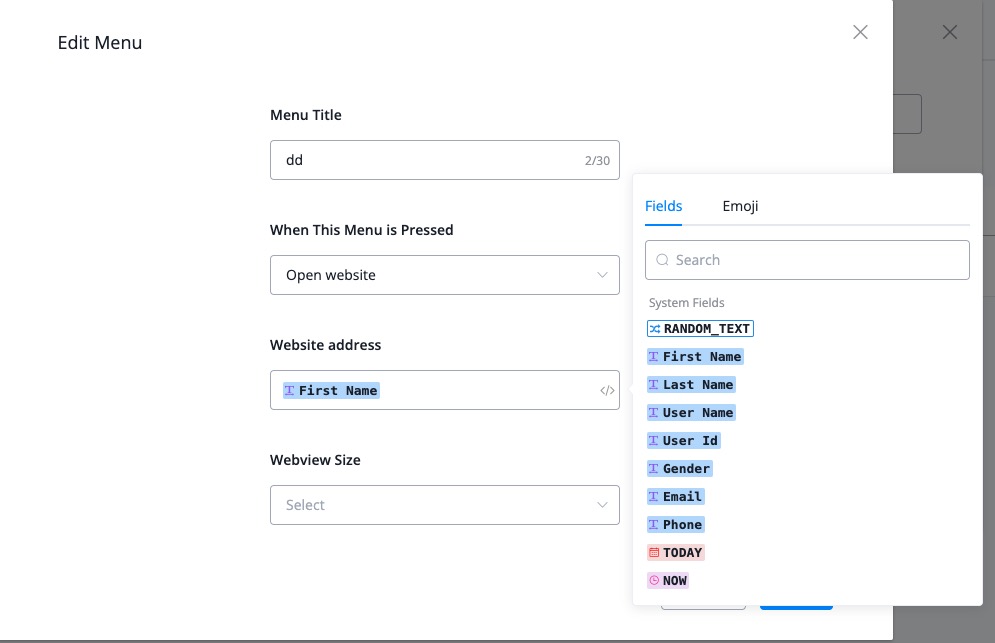
Add telegram menu in the omni channle
Now telegram support menu in the omni channel.
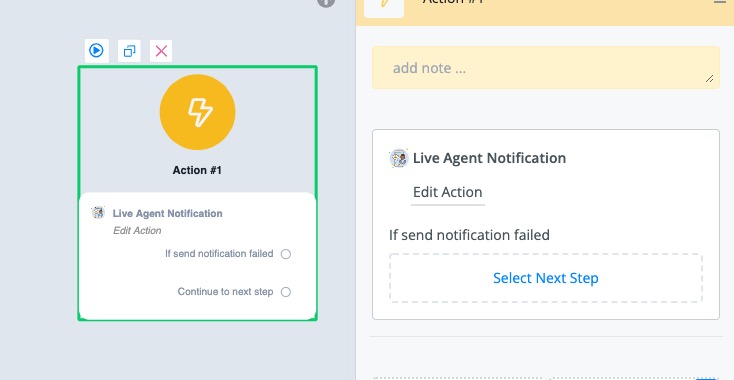
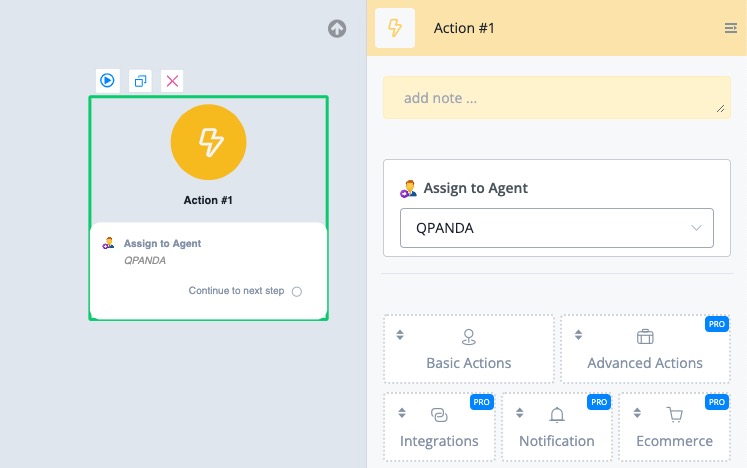
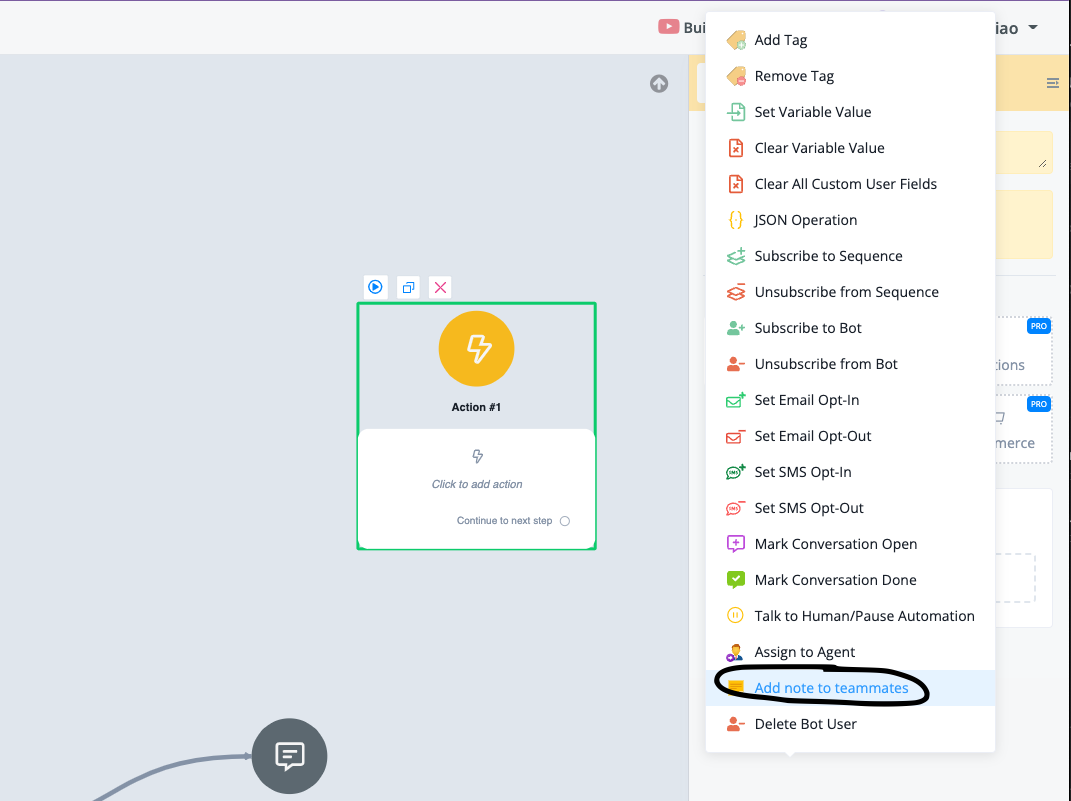
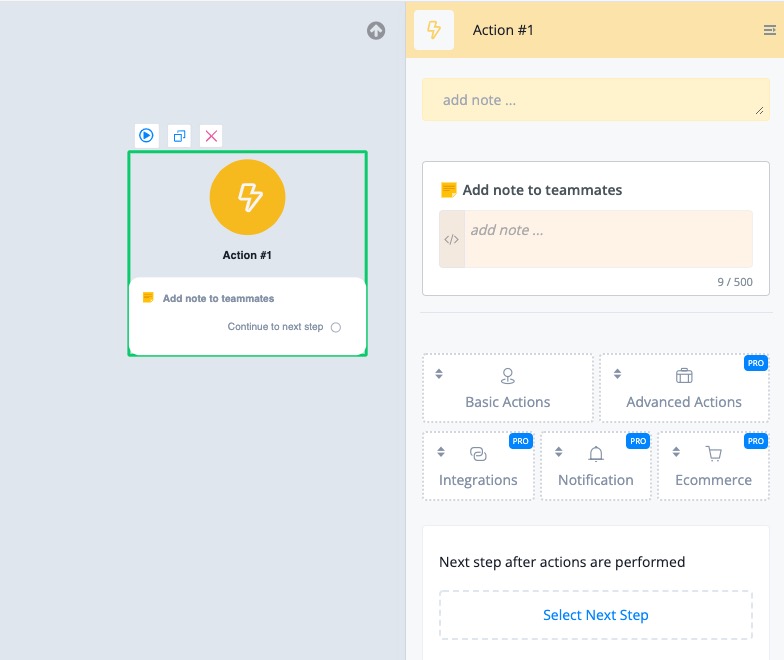
Add "Assign to agent" Action & "Live Agent Notification" Action
With these two actions, you can easily assign the conversation to your team members, and also send notification to them(support mobile apps, intercom, jivochat,slack, drift, front etc)
You can check our live chat settings in each channel.
By default, if the conversation isn't assigned to any agent, then it will send notification to all the team members.
Whoever replies first will get assigned conversation.
You can check our live chat settings in each channel.
By default, if the conversation isn't assigned to any agent, then it will send notification to all the team members.
Whoever replies first will get assigned conversation.
Multiple language support
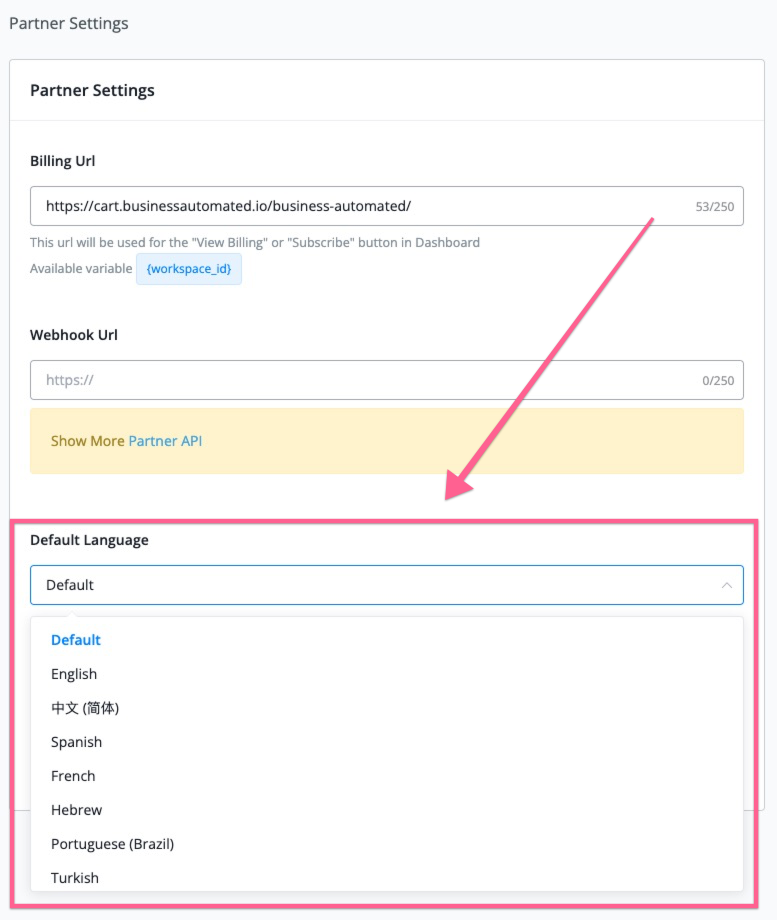
In the user settings, you can set up language, also if you are our partners, you can also find the language settings in your partner settings.
If you set up the default language in your partner settings, every workspace created will be in that language by default.
Currently support language is:
- English
- Chinese
- Spanish
- French
- Hebrew
- Portuguese(Brazil)
- Turkish
If you want to help us translate the language, here is how to do that:
https://www.youtube.com/watch?v=OEzE4MFJmgE
If you set up the default language in your partner settings, every workspace created will be in that language by default.
Currently support language is:
- English
- Chinese
- Spanish
- French
- Hebrew
- Portuguese(Brazil)
- Turkish
If you want to help us translate the language, here is how to do that:
https://www.youtube.com/watch?v=OEzE4MFJmgE

.png)
.png)
 Powered by FeedBear