Newest updates
Older updates
add "get item by key value" operation in JSON operation
add "get item by key value" operation in JSON operation
Add new operation "format a datetime field" in Set Variable Value to convert datetime field to text field
.png)
.png)
.png)
Inbound webhook improvement: add crm contact id check and optional create bot user in web or whatsapp channel
Inbound webhook improvement: add crm contact id check and optional create bot user in web or whatsapp channel
Add sidebar menu "CRM" if the workspace connected to AirChatty CRM v2
Activate AirChatty CRM c2 menu if connected V2
Improved
Allow batch delete tags
Now you can delete multiple tags at the same time.
Show Facebook Ads Traffic Source in live chat
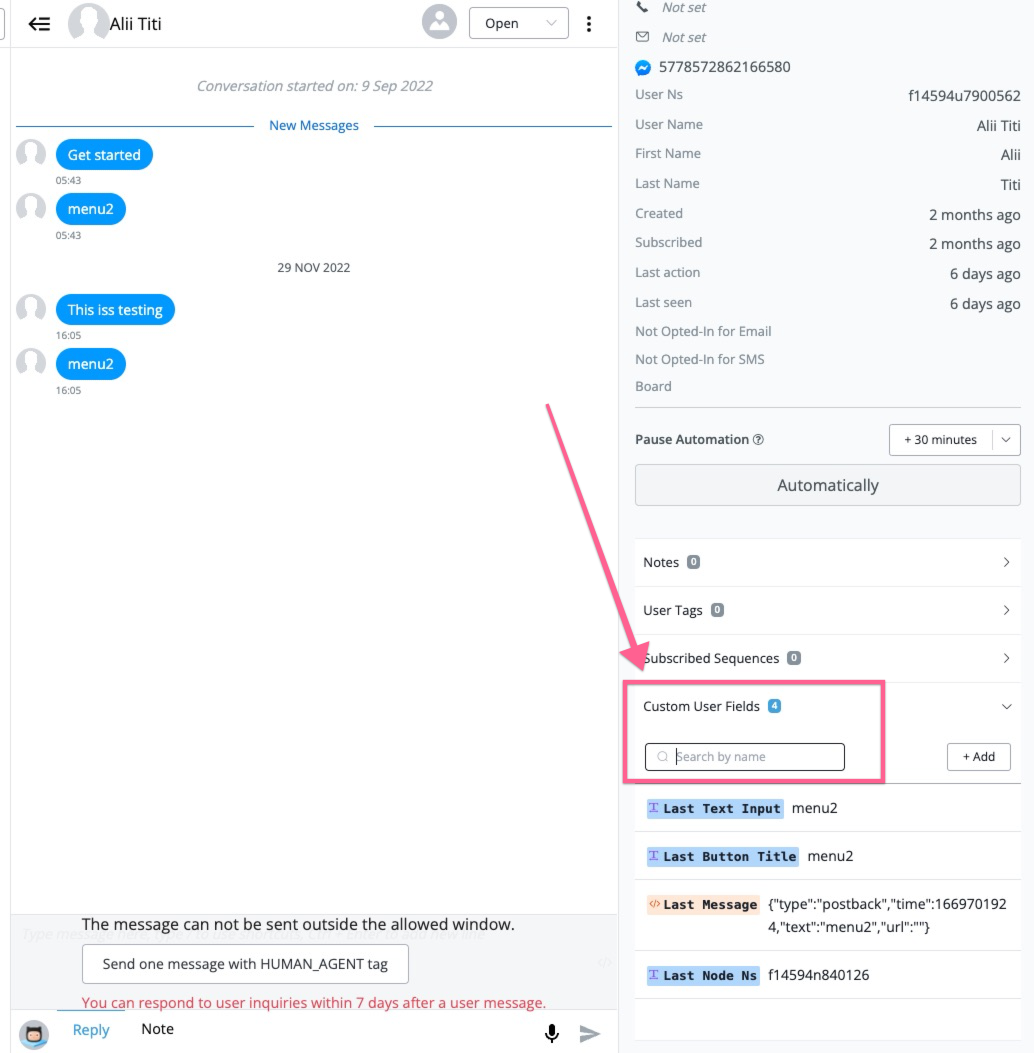
When Facebook Ads received, the referral will be available in System field last message.
.png)
Last message System field
Here is how it looks in the live chat:
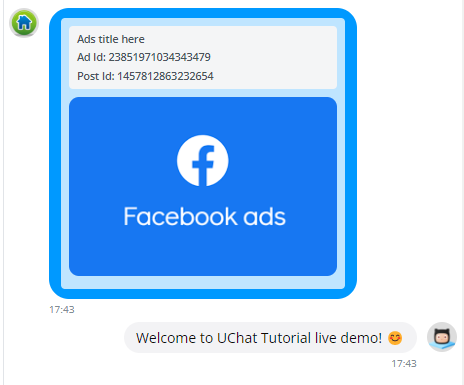
Here is how it looks in the live chat:
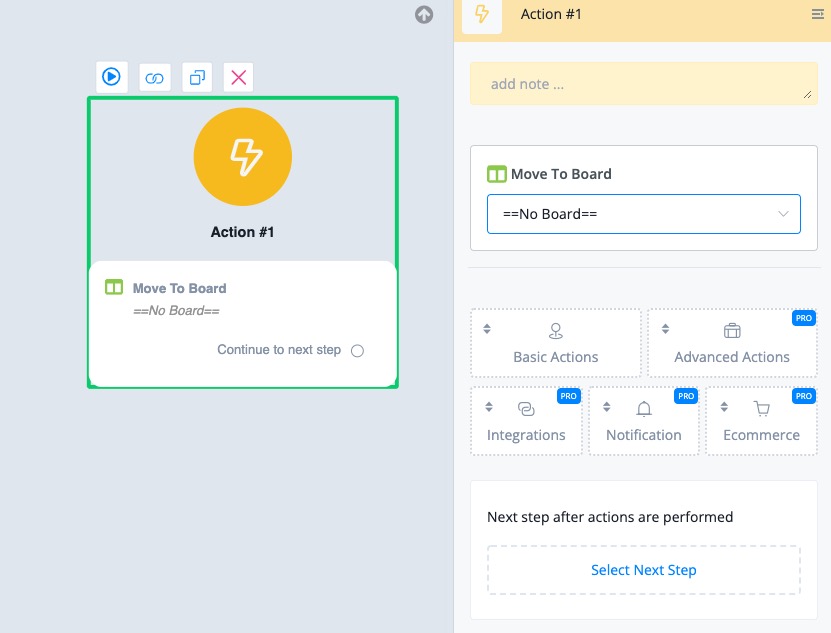
Add new feature "Boards", now available to all workspaces
Add new feature "Boards", now available to all workspaces
Allow "Reply Message" to user message in live chat for whatsapp channel
Allow "Reply Message" to user message in live chat for whatsapp channel
Add "Calendar File Generator" Action under Advanced Actions, also allow to send "Calendar File" in live chat as file or attachment in send email
add "Calendar File Generator" Action under Advanced Actions, also allow to send "Calendar File" in live chat as file or attachment in send email
New
Add "Note" and "Note Type" for Board
Now you can add note and select note type when adding to the board.
Add "Custom Css" in webchat widget -> Display Style
Now, you can adjust your own web chat widget settings using CSS
Add "Calendar File Generator" Action under Advanced Actions, also allow to send "Calendar File" in live chat as file or attachment in send email
This feature will allow you to easily add calendar event to your cutomer's calender. never miss an appointment
Allow "Reply Message" to user message in live chat for whatsapp channel
Now in the WhatsApp channel, you can quote and reply the user's message in the live chat.
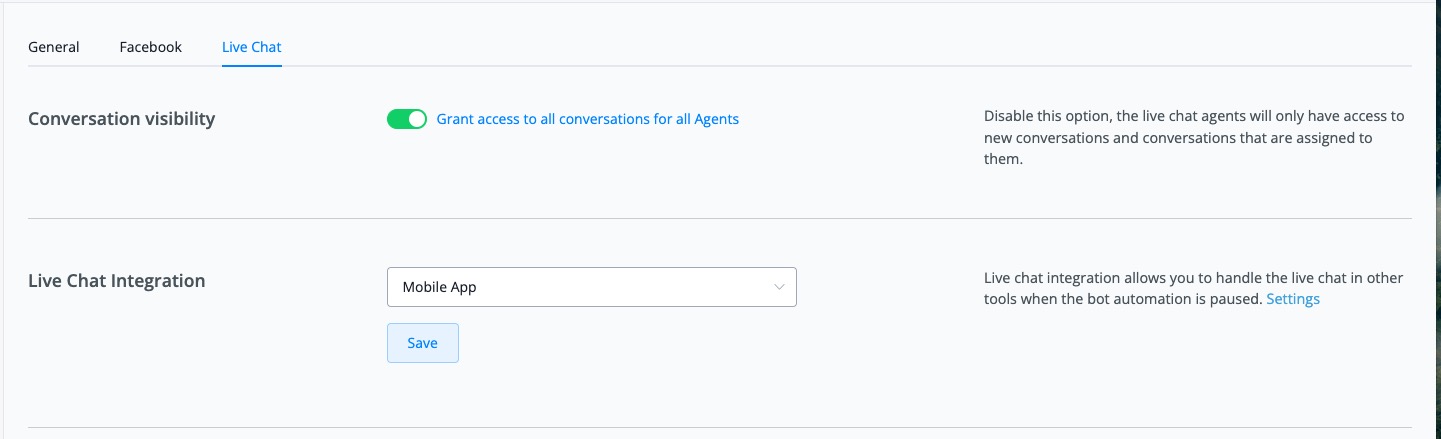
Add "Conversation visibility" in live chat settings
Add bulk action ["Move to folder", "delete"] for sub flows (only available for table view)
.png)
 Powered by FeedBear