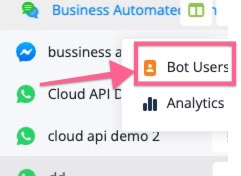
The supervisor role now also sees the bot users along with having access to the analytics section. this provides a more management role for this specific type of workspace member
This is the update only available to UChat partners.
You can find the settings, by going to your UChat main workspace, and then go to "white label settings", and then "partner settings" and then go to "Custom add-on", and then you can purchase this addon.
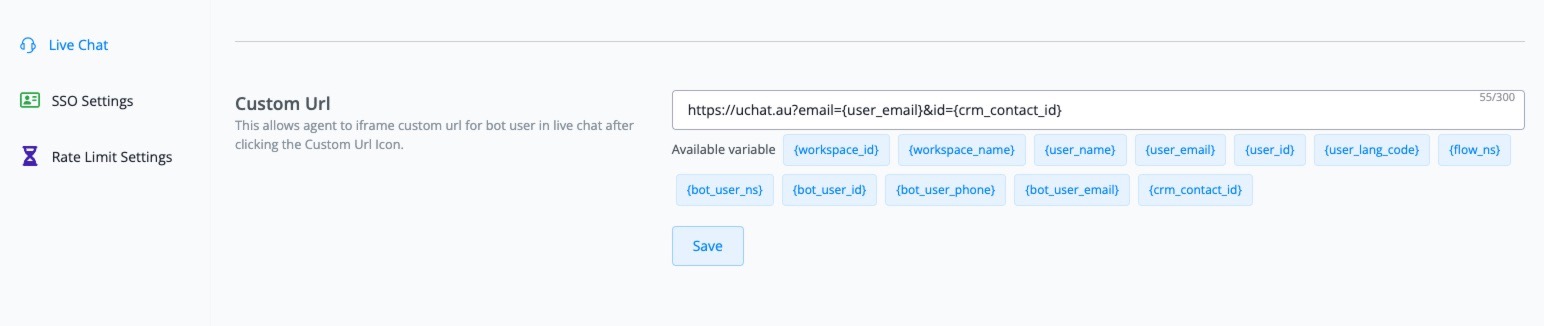
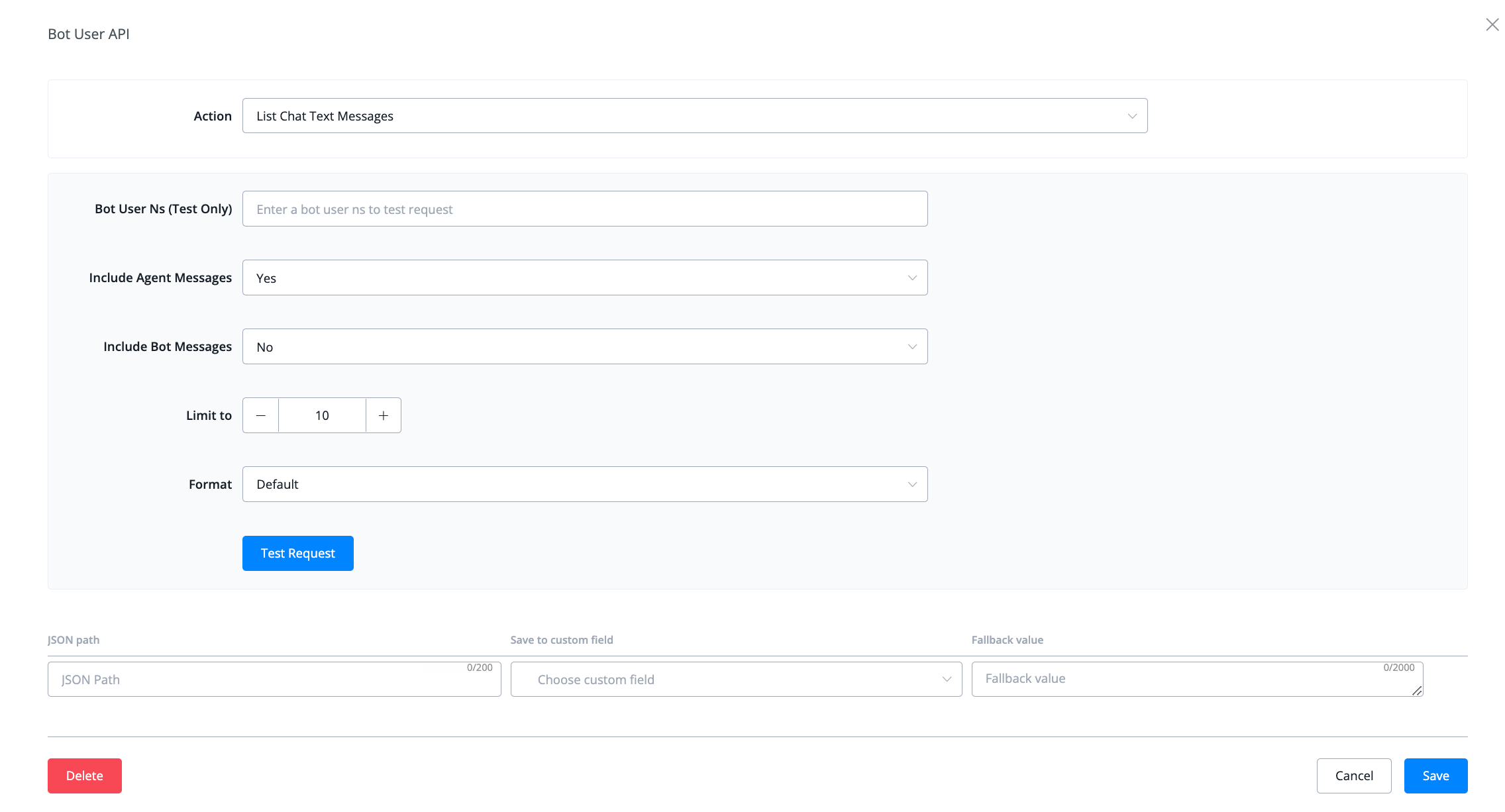
A new feature inside chatbot settings has been added to input your own custom url.
This will allow you to directly access for example your own crm inside of livechat to update data inside. Great for live chat agents to manage a crm not integrated into UChat.
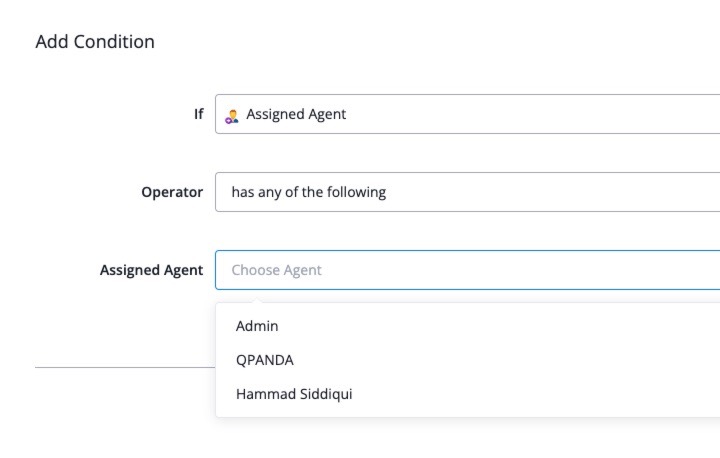
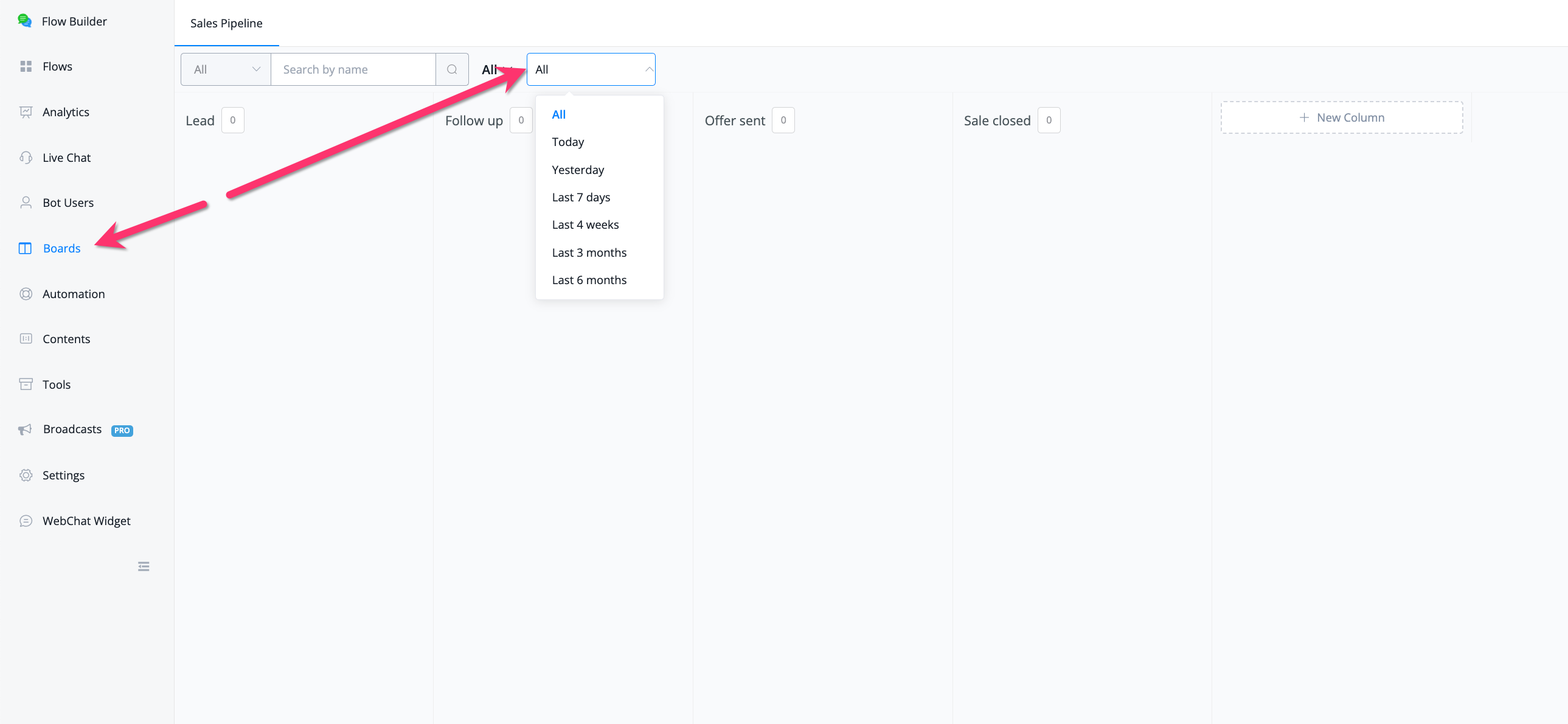
At the request of quite a few users we added a new filter to be used in the conditions. This will allow you to filter the bot users by assigned agent id.
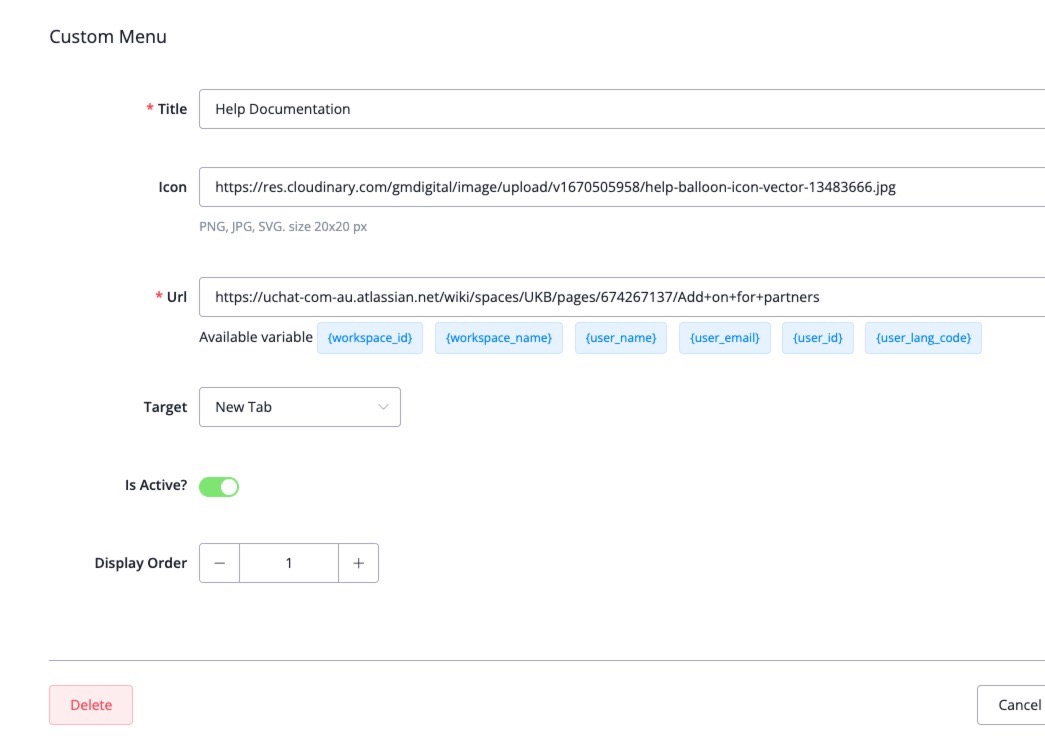
For partners we updated the translations addon to now also be able to translate the custom menu title. You can use custom menu title as key for translation.
We have deprecated the user timezone as it was confusing to users when it comes to different time displays in the chatbot. Now by default the workspace timezone is uphold
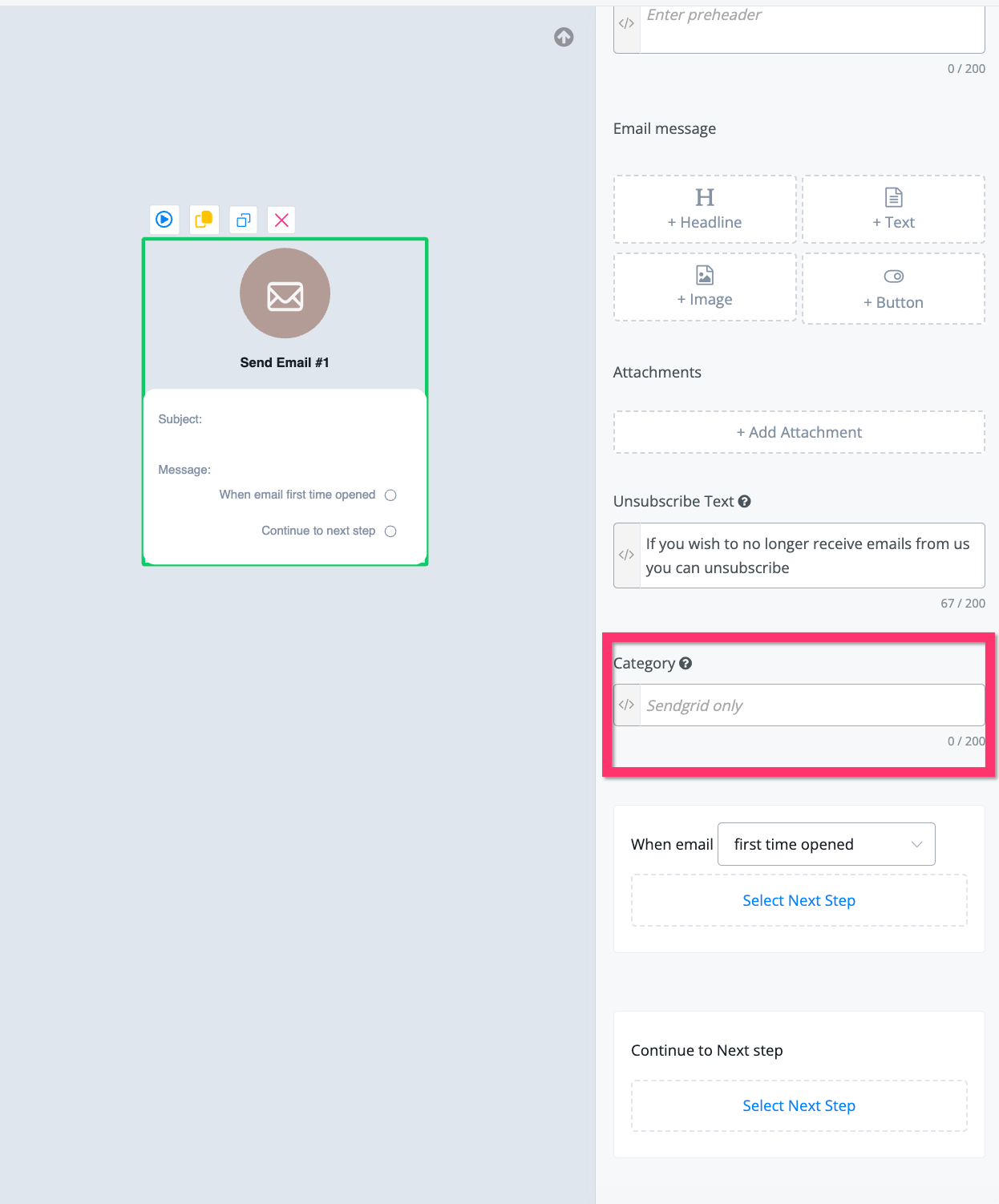
Support of Sendgrid Category in email and notifications
We have added the ability to add the category of the type of email sent if you select your Sendgrid account using the email node as well as the email notification
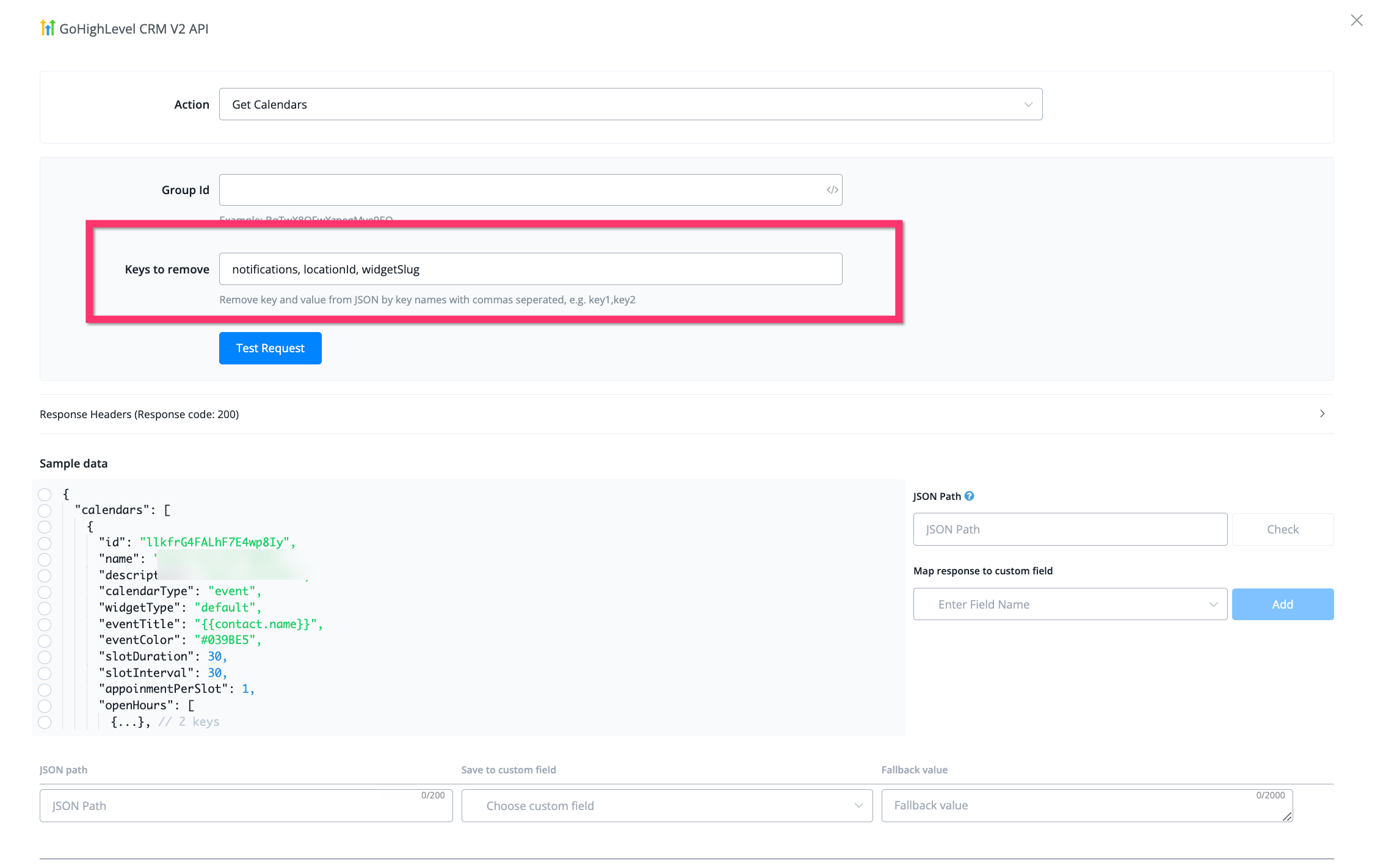
Sometimes the return payload on GHL actions contain too many characters to be saved properly so we now added the ability to remove certain keys you do not need to only be left with the information you like to store
Making function flows editable on templates even on none editable templates
We have added the ability to allow users to edit the function flows from templates when user disabled auto update or even when the template is set to none editable.
this is used to allow the installed bot to modify some contents, such as whatsapp template message. So the template creator can move all the whatsapp template messages to function flow to allow user change it after install. and all other subflows can still be protected and auto updated. But if the sub flow template is not viewable, then even the user disabled the auto update feature from function flow, it will still be not viewable.
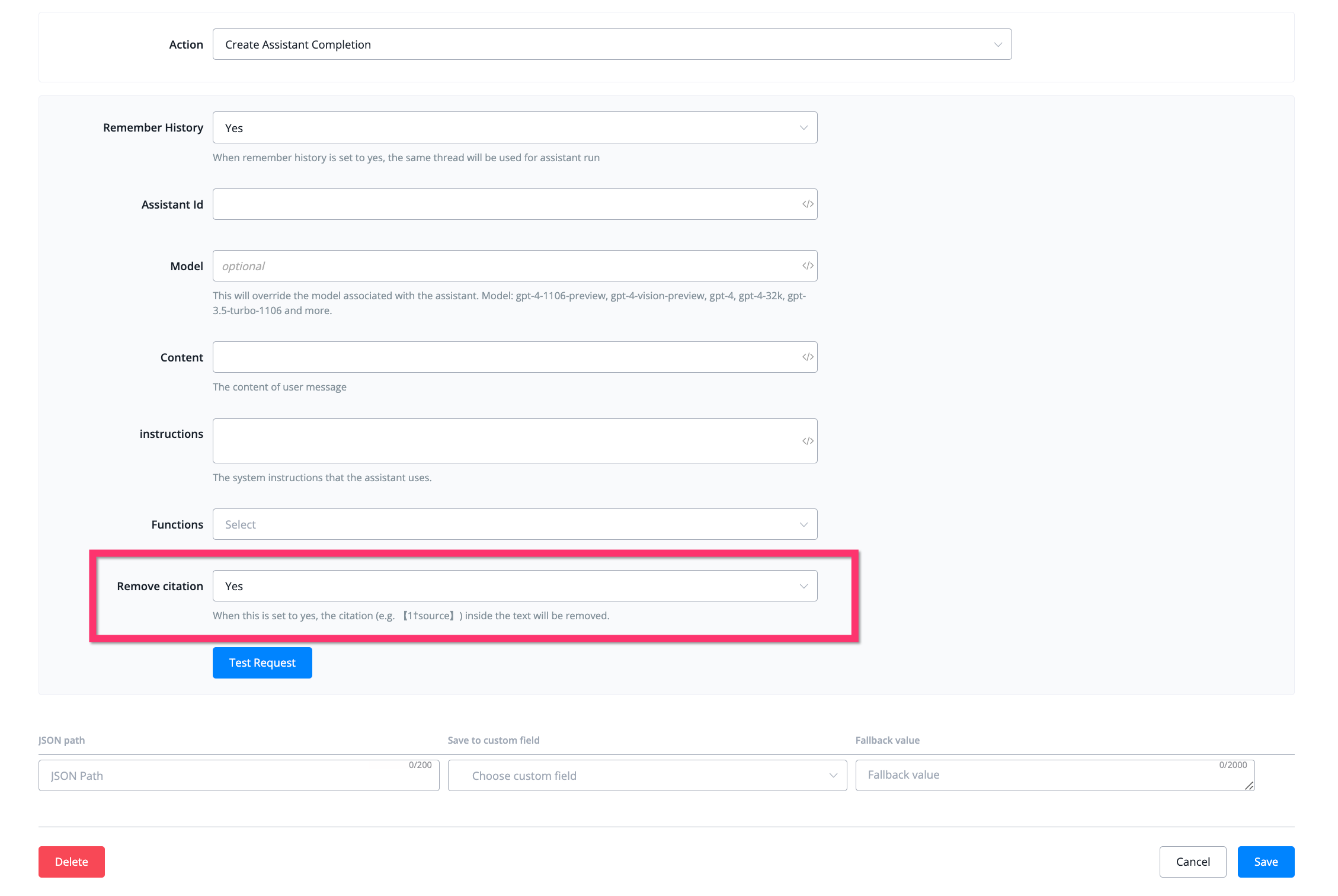
the assistant often refers citations where it based its replies on which makes for a weird experience inside of chatbots. We have added a citation removal to automatically remove any if they are present in the assistant reply
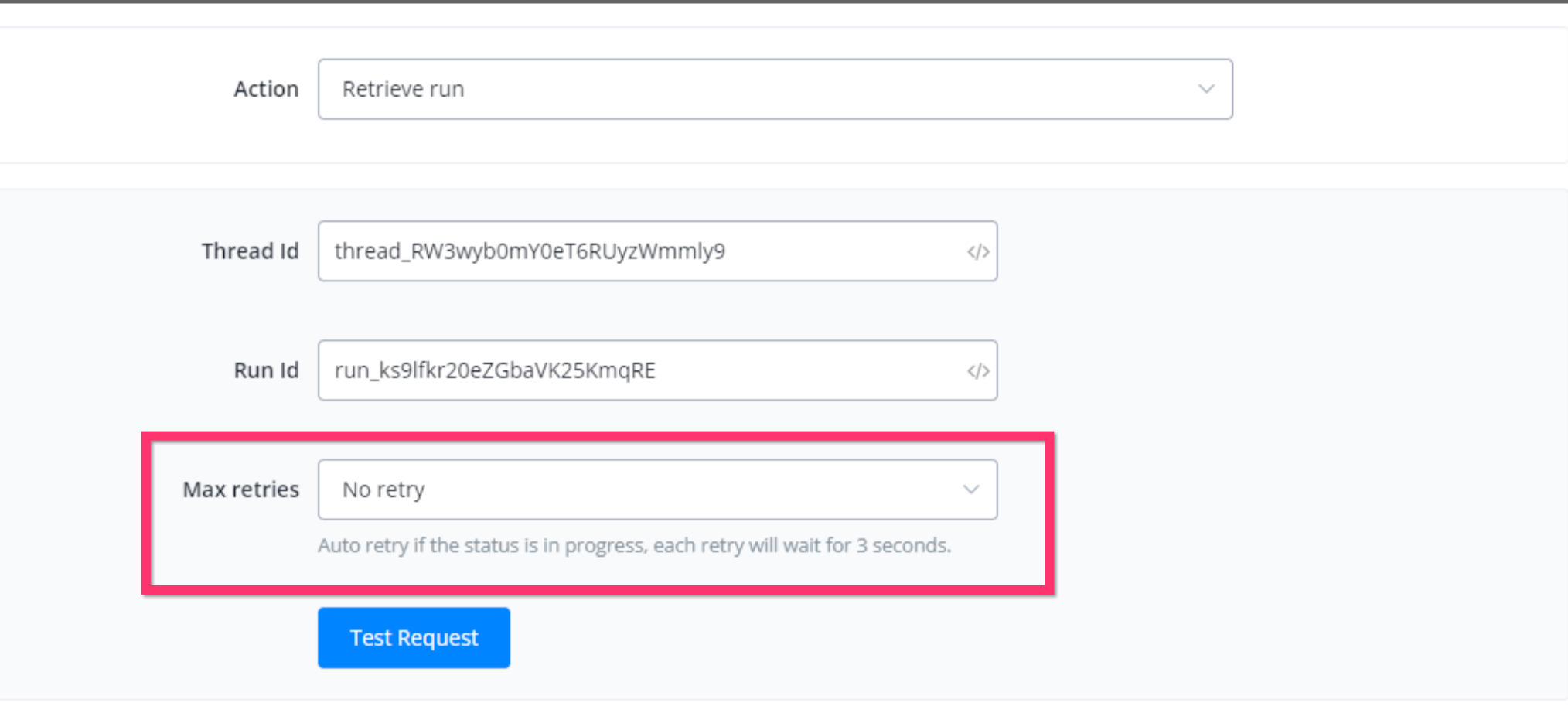
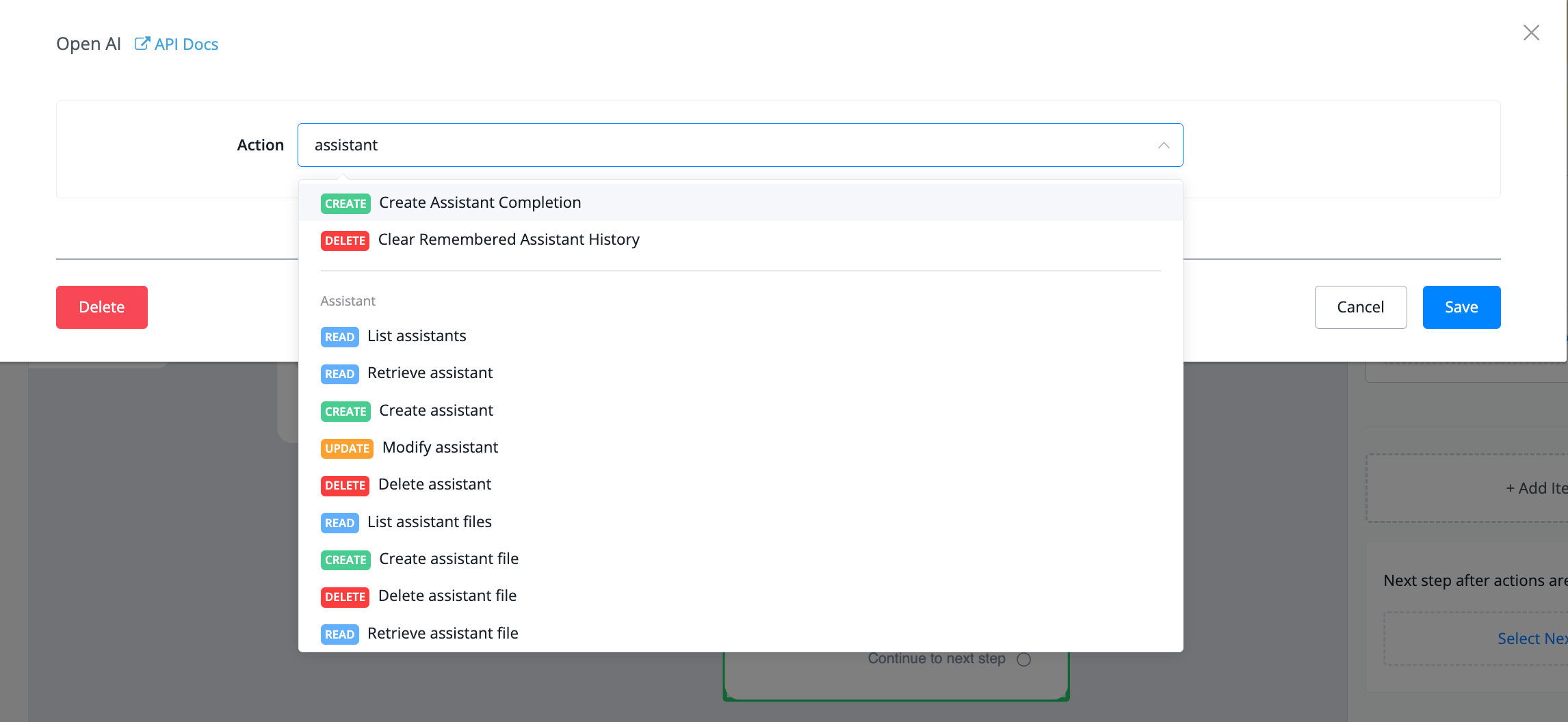
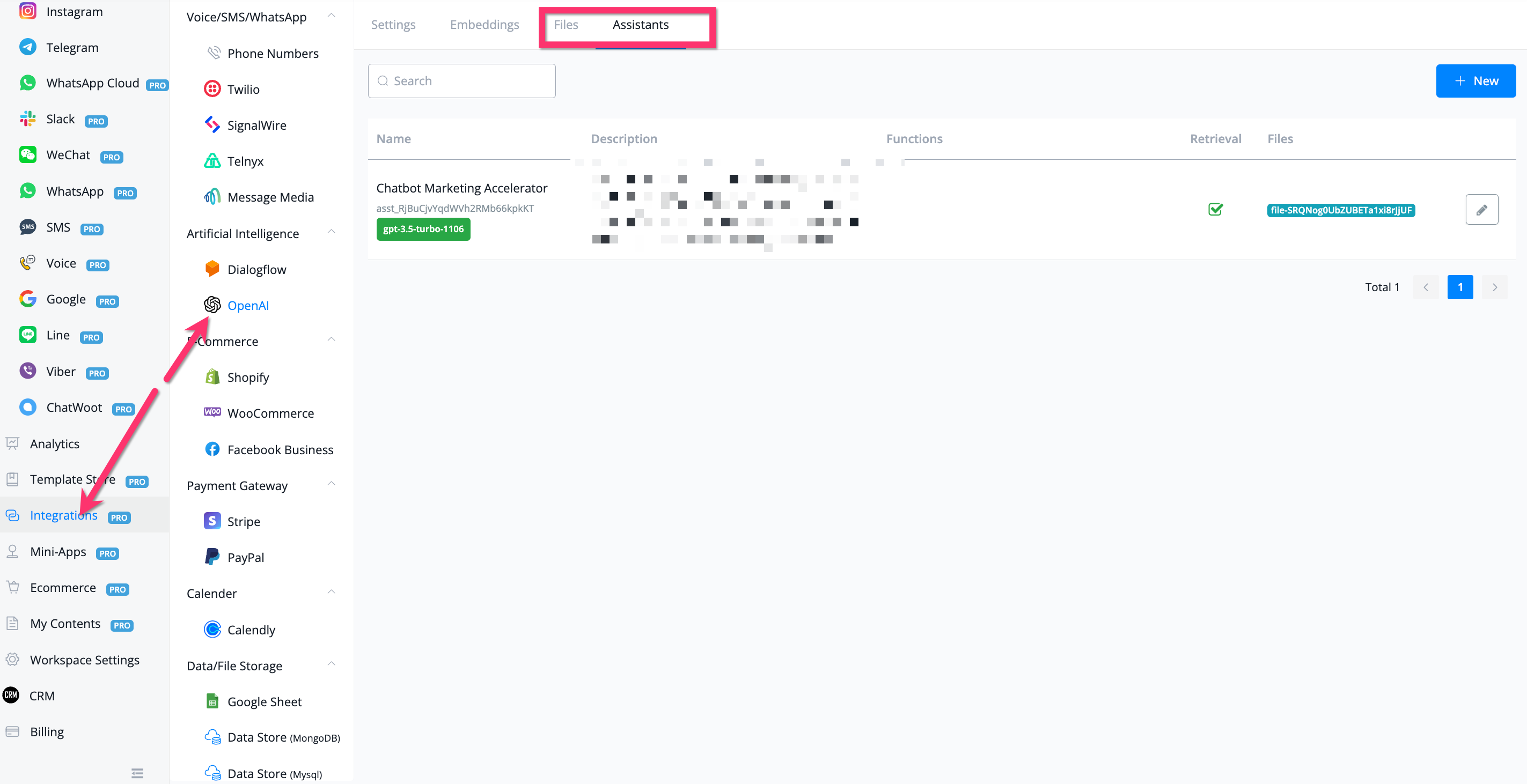
We have integrated OpenAI Assistant actions under the integration section of your chatbot flow builder Also you will be able to create and update assistants and files under the integration section of your UChat Dashboard:
.png)
 Powered by FeedBear